Use Case
A colleague in Washington submits a current report to “News-table”. This triggers workflows such as loudness, PreProductionAudio, and sending the report to “News-table”.
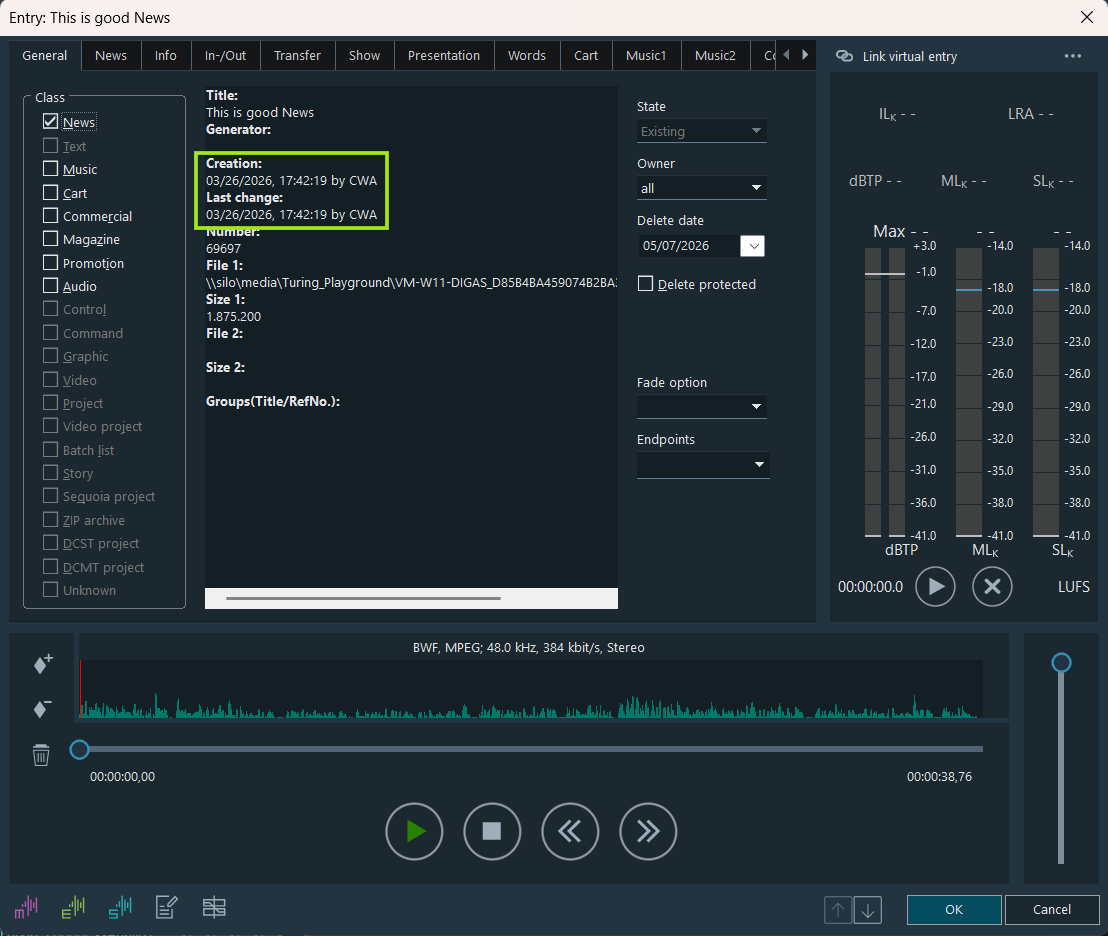
Washington is 6 hours behind Germany, so the report in “News-table” has a timestamp 6 hours earlier. Consequently, the workflows do not start because the system in Germany sees the report as already 6 hours old.
Enabling Working in Different Time Zones
Each database on the server can have a time zone variable to set the system's time zone. If the client runs in a different time zone, it adds the offset to the dates it writes.
When inserting or updating the database, DigaSQL checks if the DB has a time zone defined. If so, DigaSQL adjusts the CREATEDATE, CREATETIME, CHANGEDATE, and CHANGETIME fields according to the client's local time zone.
The client in a timezone other than the server, also adjust the datetime in the database when displaying it. In other words, it converts the server time to his local time.
What To Do
-
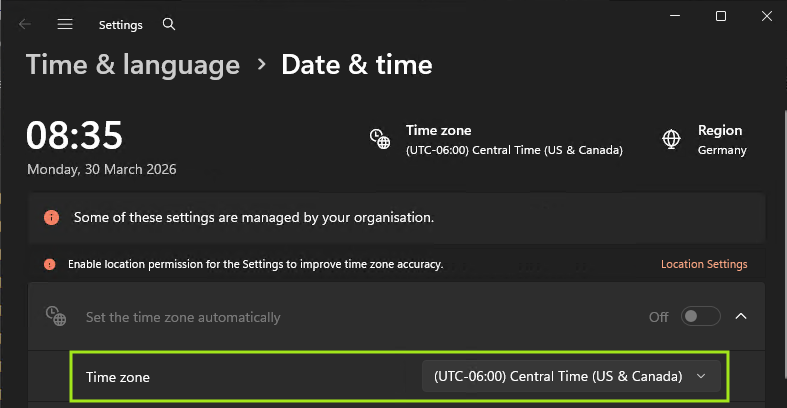
Set the computer in another time zone to the corresponding Windows time zone, e.g., Washington, to "Pacific Standard Time".
-
On the computer in another time zone, e.g., Washington, create the parameter Timezone=W. Europe Standard Time in Local Settings/Digas/Database/Database name.
This is how it works
Washington Time Zone
In Database Manager, the colleague in Washington creates a new entry in the “News-table”.
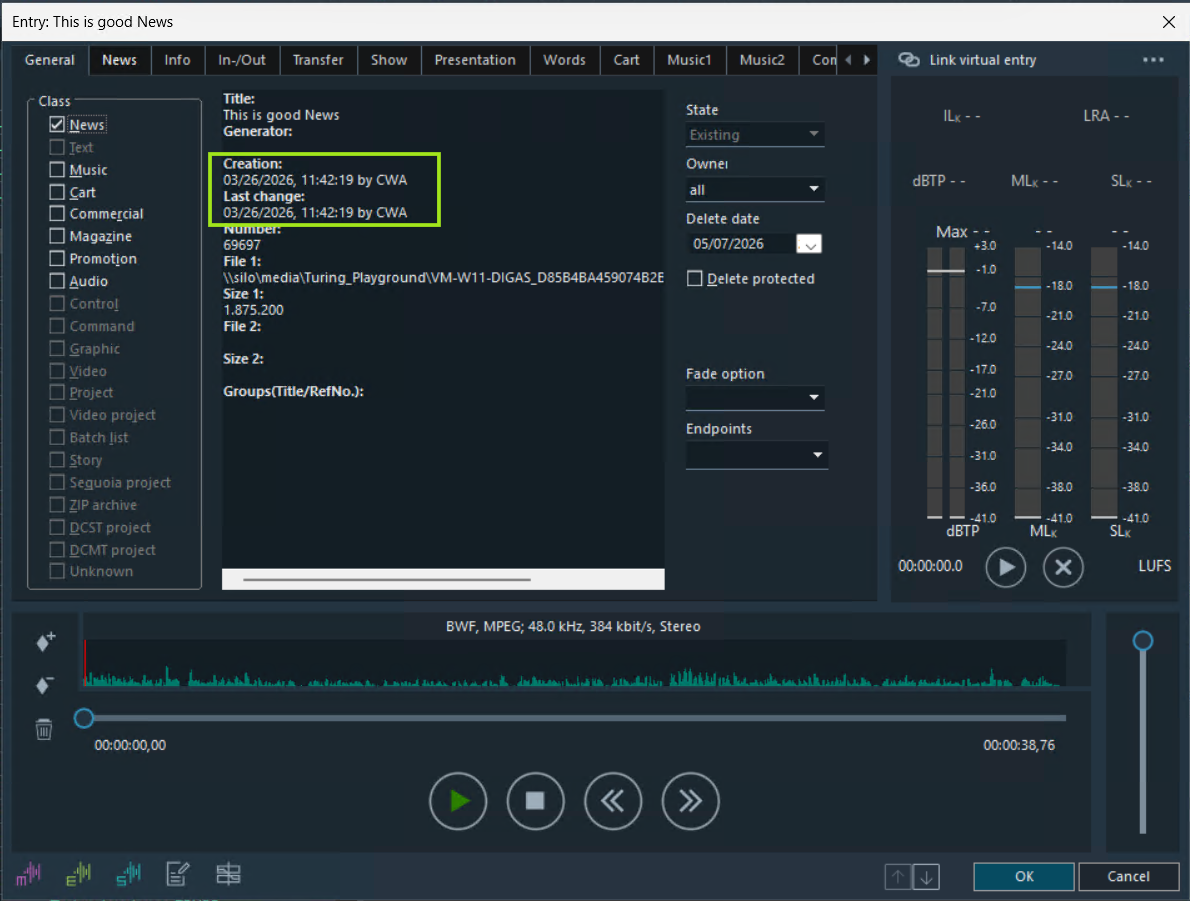
In the entry mask's General tab, Creation and Last change reflect Washington’s local time and date.
Munich Time Zone
In Database Manager, opening the newly created “This is Good News” entry shows Munich local time.