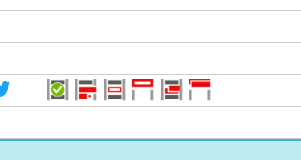
Required action right: DpeContentManager.UseEndPointStories
Configuring Endpoints
DigaSystem Parameters contain specified DistributionEndpoints under Common|DistributionEndpoints e.g.
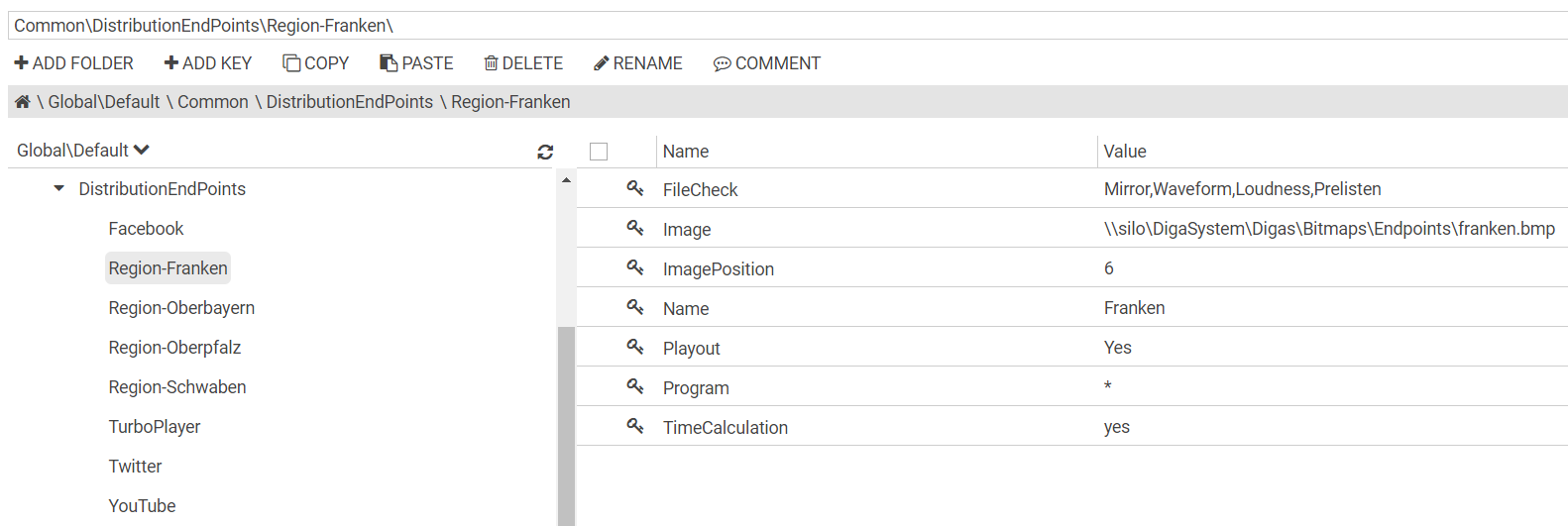
This configuration is used from desktop applications, like DBM or DigAiRange or TurboPlayer, as well as from ContentManager; some properties are used only from desktop apps e.g. FileCheck, Playout, TimeCalculation.
ContentManager 2.x
The folder DpeWebApplication\CustomData\resources\DistributionEndPoints of the DPE Server must contain the images specified for distribution endpoints.
ContentManager 3.x
The ContentManager 3.x subfolder \CustomData\resources\DistributionEndPoints must contain the images specified for distribution endpoints.
Creating an Endpoint Story
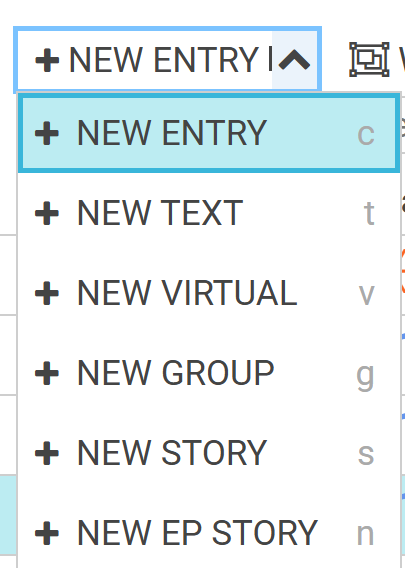
Use menu item “NEW EP STORY” or shortcut “n” to create an endpoint story.
Displaying endpoint stories in the entry grid
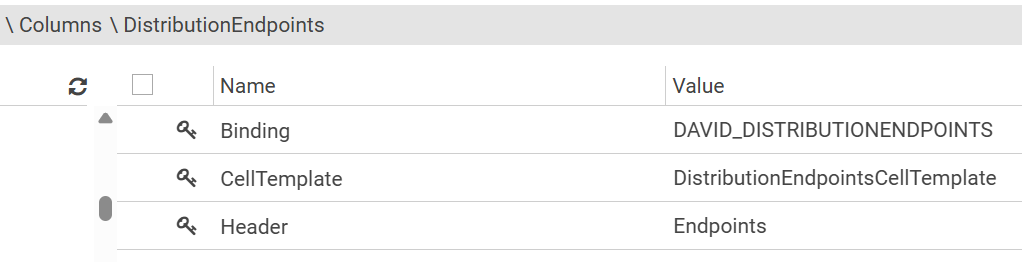
See DistributionEndpointsCellTemplate in Available CellTemplates Values
Example column config:
Displaying and editing endpoint stories in a details pane
See “Configuration of DAVID/DISTRIBUTIONENDPOINTS custom field” in Adding combo-box component with fixed data source
In read-only mode
<tr><td>Endpoints:</td><td>{{select-box model=model field="DAVID/DISTRIBUTIONENDPOINTS" editable=false}}</td></tr>
In edit mode
<tr><td>Endpoints:</td><td>{{select-box model=editModel field="DAVID/DISTRIBUTIONENDPOINTS" maxlength=1000}}</td></tr>
Endpoint Story Consistency Check
Create column configurations for ContentManager\Columns\EPS_CONSISTENCY\ and ContentManager\Columns\EPS_INDIVIDUAL\
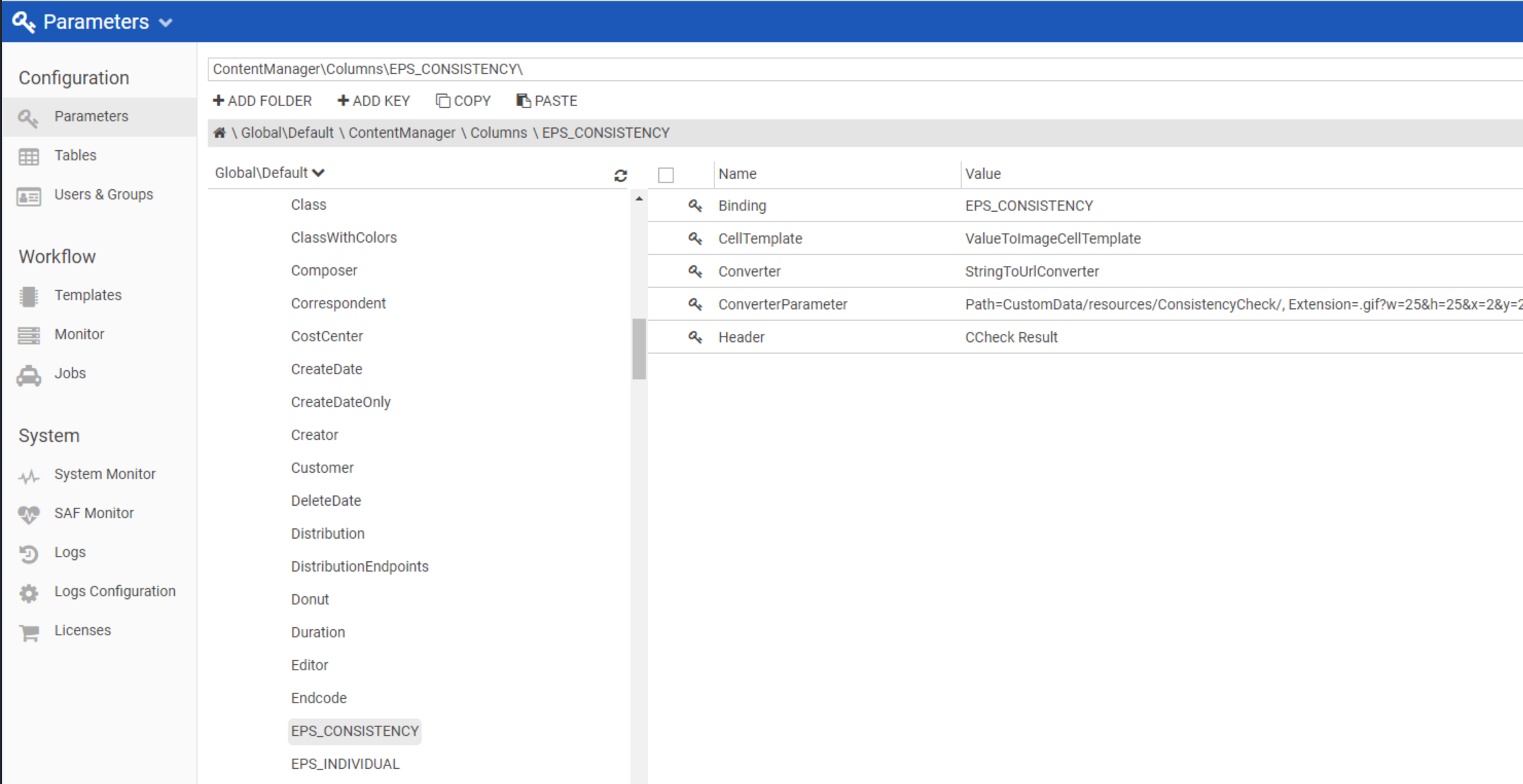
EPS_CONSISTENCY settings
|
Name |
Value |
Comment |
|---|---|---|
|
Binding |
EPS_CONSISTENCY |
Custom Field binding |
|
CellTemplate |
ValueToImageCellTemplate |
|
|
Converter |
StringToUrlConverter |
Converts comma-separated custom-field-values to URLs |
|
ConverterParameter |
Path=CustomData/resources/ConsistencyCheck/,
|
|
|
Header |
CCheck Result |
Column title |
EPS_INDIVIDUAL settings
|
Name |
Value |
Comment |
|---|---|---|
|
Binding |
EPS_INDIVIDUAL |
Custom Field binding |
|
CellTemplate |
ValueToImageCellTemplate |
|
|
Converter |
StringToUrlConverter |
Converts comma-separated custom-field-values to URLs |
|
ConverterParameter |
Path=CustomData/resources/ConsistencyCheck/,
|
|
|
Header |
CCheck Result 2 |
Column title |
Enable CCheck Result columns from CM UI
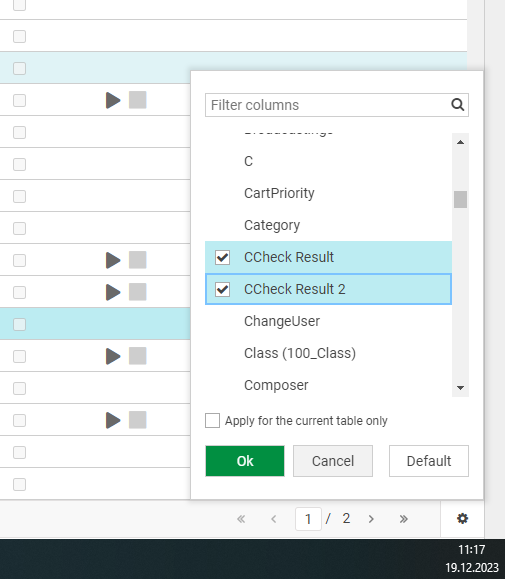
CCheck Result column