
BCS Search Service can use different modules for searching. Currently ElasticIndex module is in use. To configure it make followed steps:
-
Create Index Task in BUS and configure it (see BUS documentation for details). It's not necessary to create it on workstation with BCS Search Service
-
Find Task Identifier from BUS Task Index Task correlated to BCS Search Service. E.g

-
Start DigaSystem Admin
-
Go to Local / Global registry where BUS task settings stored
-
Go to BUS\Task\TaskIdentifier in Local/ Global registry where BUS task settings stored
-
Find parameter CommunicationModuleConfiguration

-
Open this parameter for editing
-
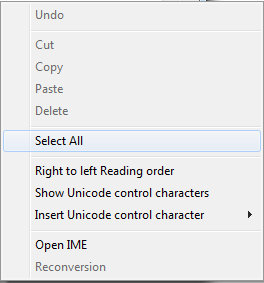
Do right click to open context menu and select menu item “Select All”
-
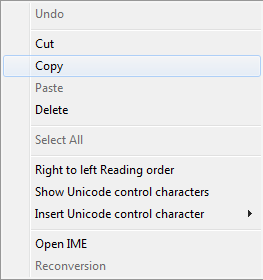
Do right mouse click again to open context menu and select menu item “Copy”
-
Open any text editor and insert copied text
-
Store text as file with “.XML” extension.
E.g. ElasticIndex.xml -
Reference this file as SearchModuleConfigurationFile parameter value in service configuration file