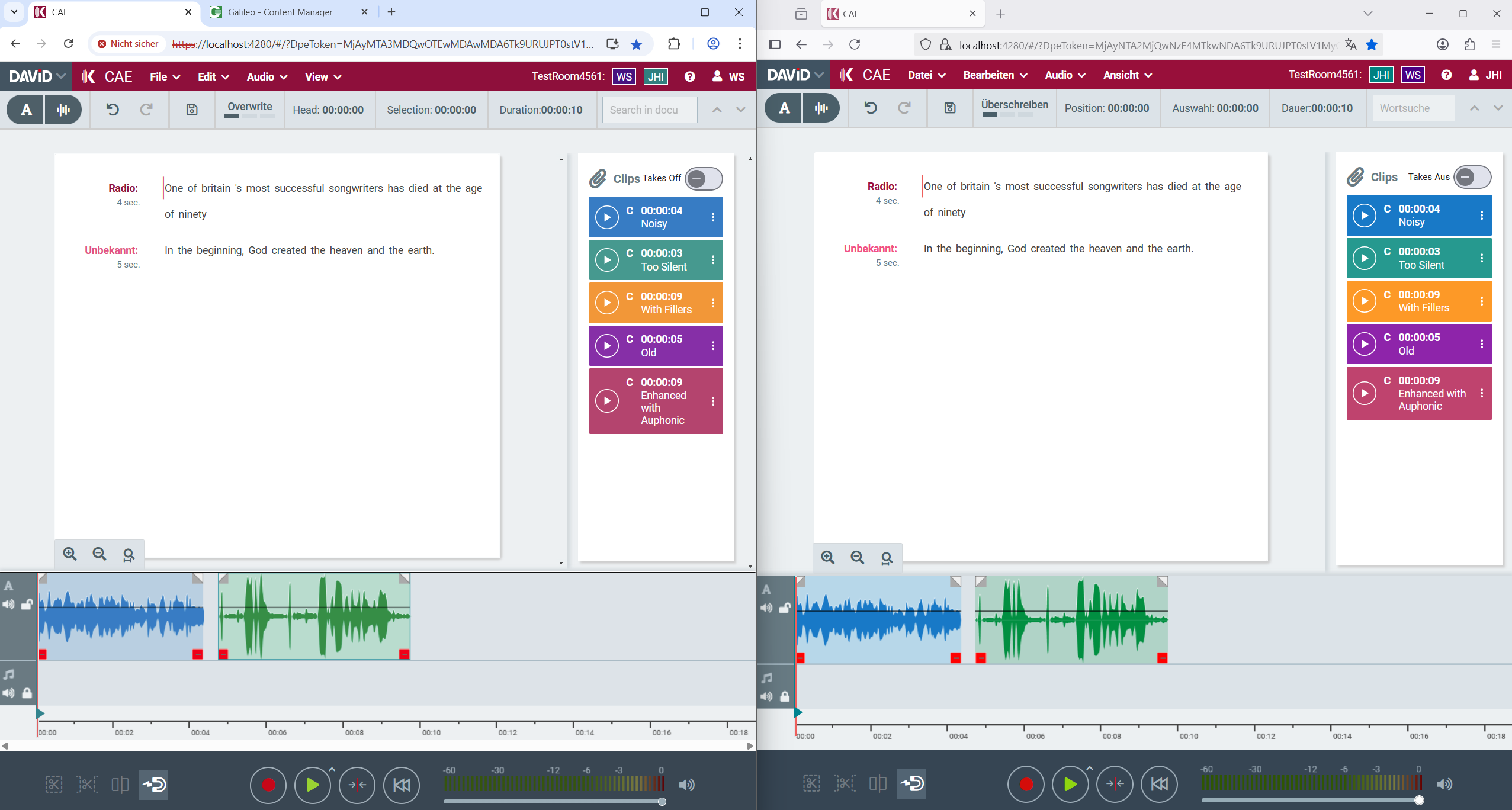
Version 2.3
Docker Image for Release 2026.2.0
More text formatting options
-
Text color
-
Background (highlighting) color

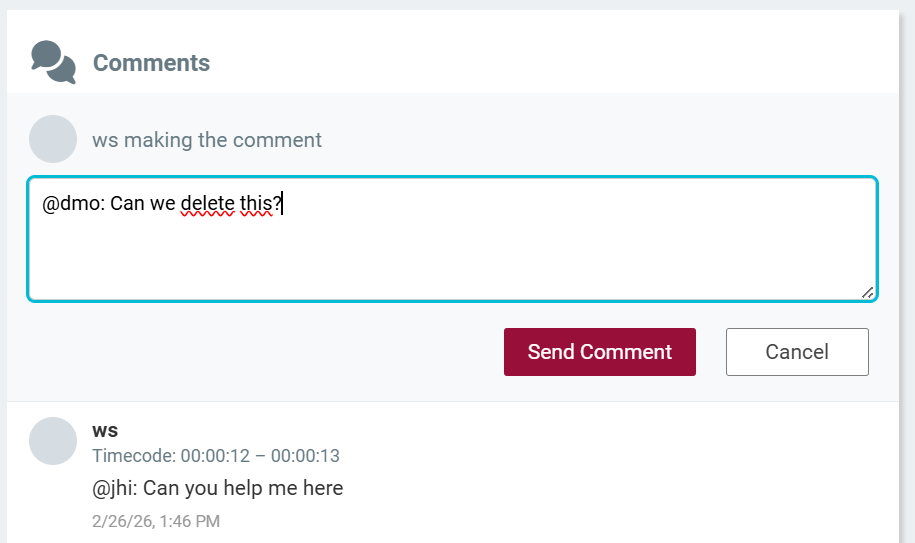
Comments
-
Comments enable collaborative work on a project
Multi-track text editing
-
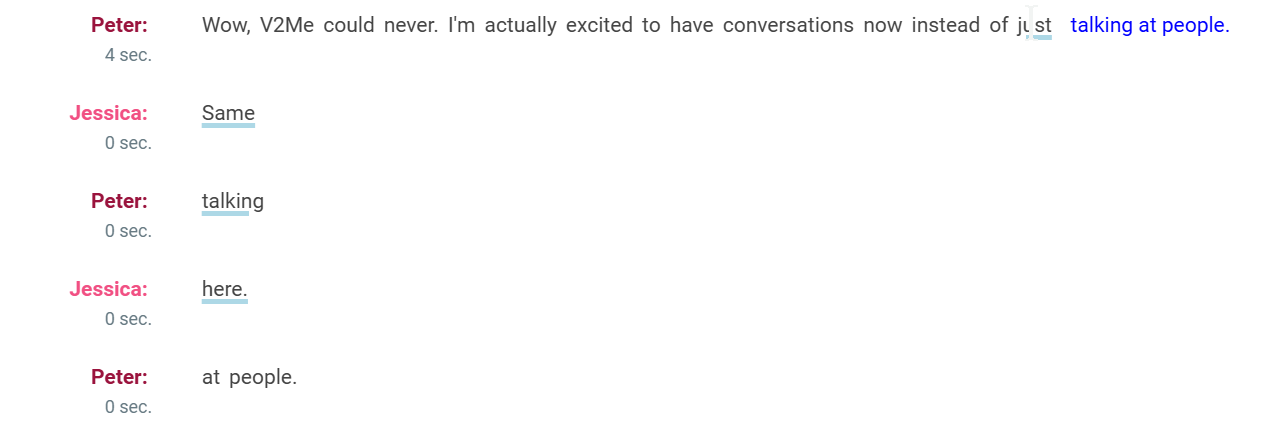
Text area shows combined text from multiple tracks
-
Overlaps are visualized
-
Readability of overlaps is improved by look-ahead hints (when hovering with the mouse over an overlapped text)

Timecode navigation
-
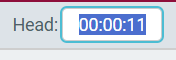
Double-click on playhead positition or use shortcut Ctrl+G and enter a time code to jump to position
Sending entries from CM to CAE clipboard via menu
-
As an alternative to sending them to the CAE timeline
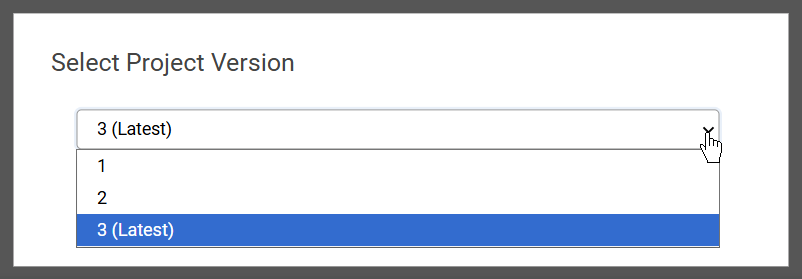
Version selector when opening CAE projects from DigaSystem
-
CAE Projects stored in DigaSystem support a version history
-
If your project contains various versions a version selector is displayed when opening the project
Improved reading of MP2 audio files
-
Using web assembly to heavily accelarate reading
-
Better decoding quality
Improved UX for adding gain automation points
-
Just click on the gain line to add a new point
-
Does not rely on Ctrl key anymore
-
Gives visual feedback (crosshair cursor)
-
Works on OSX now
Configurable AutoLogout
-
Automatically logout after N seconds of user inactivity (no mouse or keyboard)
Other Improvements
-
Shortcut for “Enhance Audio” (Alt-P)
-
Clips area should open automatically when loading project with clips
-
Bugfixes
-
Exporting audio with multiple speakers on multiple tracks failed to export correct s2t file
-
Gain automation was only working on selected track but should be independent of selected track
-
Handle errors for BrowserBridge call, if BrowserBridge was closed after starting CAE
-
Version 2.2
Docker Image for Release 2026.1.0
3 track support
-
Three general purpose tracks can be used (instead of a dedicated text and a music track)
Improved double-click selection behavior
-
Double click on an unselected word => select word
-
Double click on a selection => select the complete line that contains the clicked word
-
Double click on a selection where the complete line is already selected => select the complete paragraph that contains the clicked word
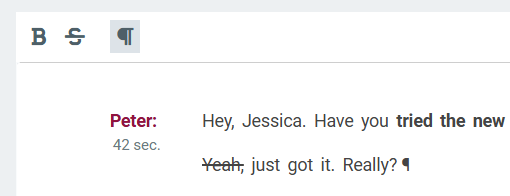
Formatting transcription text
-
Ctrl-B: toggle bold
-
Ctrl-K: toggle strike through
-
Enter/Backspace: add/remove line break
-
Ctrl-Shift-l: toggle visibility of paragraph markers
Improved Usability
-
Moved drag and drop mode selector into transport bar
-
Moved text search nearer to text document
-
More hints for first time or non-frequent users
Improved support for dragging & dropping from DBM
Using Environment Variables for Configuration of CAE Docker Container
Support for multi-tenancy hosting
Many bugfixes, e.g.
-
Lost selection in text area after undo
-
Playhead jumping to position 0 when pressing space bar and mouse operation overlaps
Version 2.1
Docker Image for Release 2025.3.0
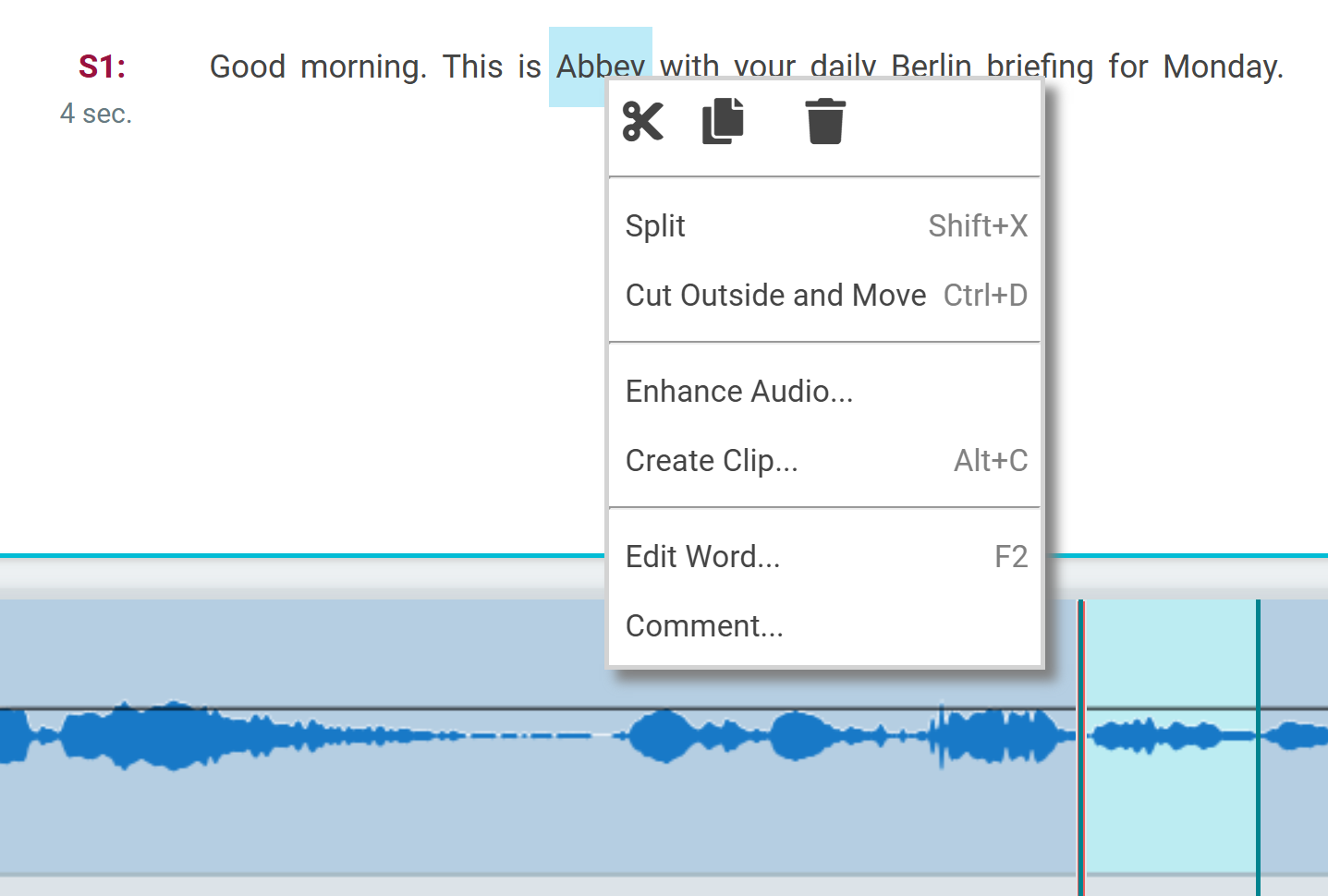
Context Menus
Loading / Importing / Exporting
-
Loading DigaSystem entry understands subclip information and creates clips in clips area for each subclip
-
Export to file system creates S2T json file (when transcription exists)
-
Drag and drop of an audio file together with a S2T json file imports transcription to timeline and/or clips area
Configure recording device in user Options
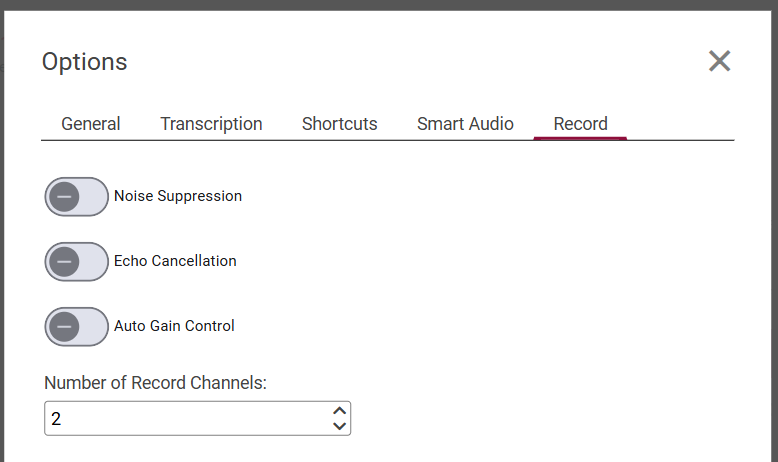
Local user options can be exported, imported and reset

Support of transcription via Auphonic (auphonic.com) including filler cut-lists

Enhance Audio
Apply (AI-powered) services to enhance your audio
-
Using Auphonic services
-
Using ai|coustics services
-
Using DAVID X-Audio services, e.g. loudness normalization
-
Using VST-as-a-service (Beta)
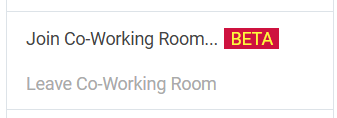
Real-time collaboration in a Co-Working Room (Beta)
This feature is still Beta. You can try it out by enabling it in the settings.json file of CAE.
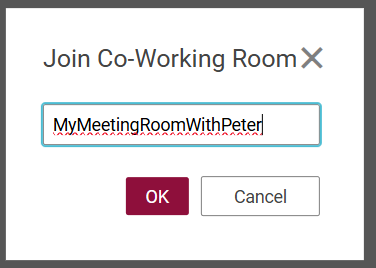
Join a co-working room by choosing a room name
Work together