-
Open AD FS Management Console.
-
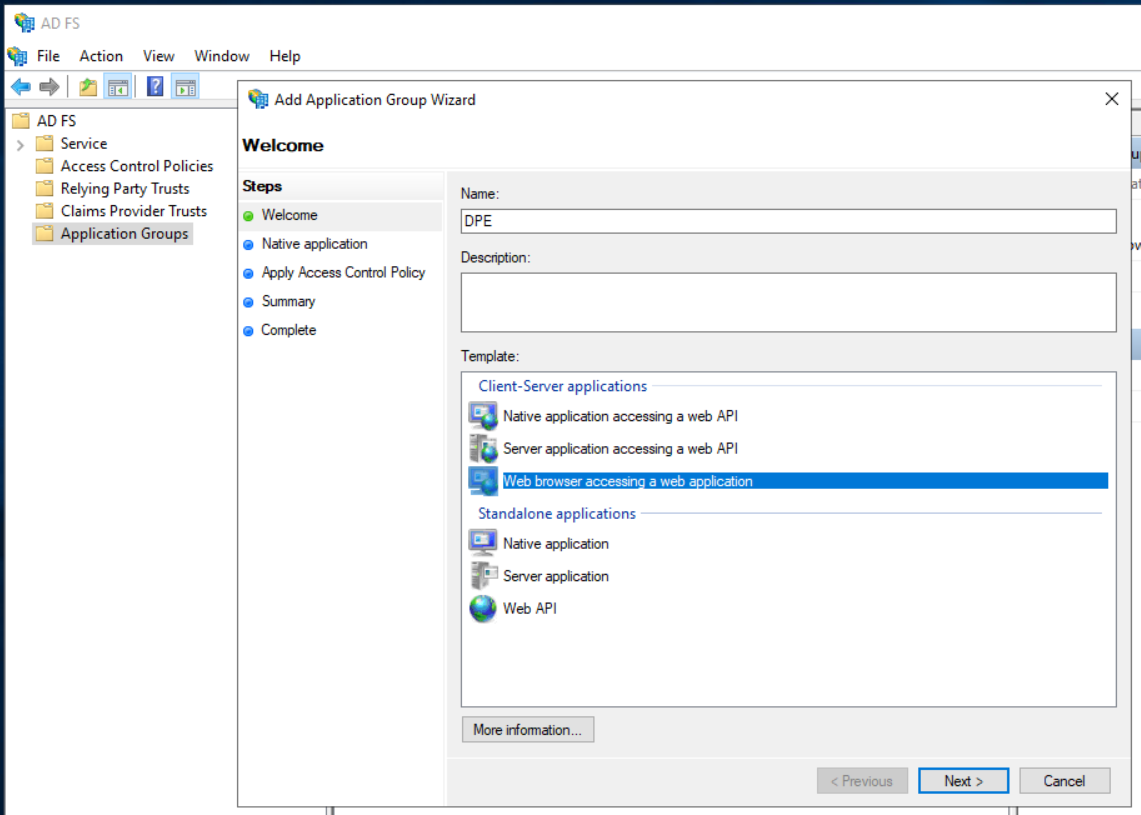
Select "Add Application Group..." from the "Application Group" context menu, enter DPE as name and select "Web browser accessing a web application"
-
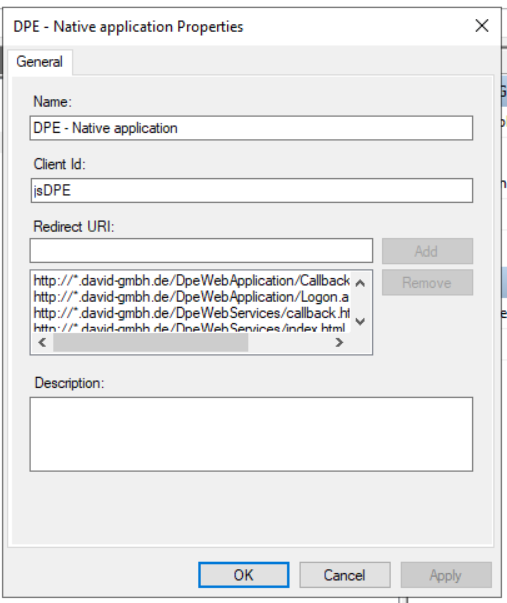
Next step is to enter data for the native application part...
-
Add the following Redirect URIs:
http://*.YourFullActiveDirectoryName/DpeWebApplication/Logon.aspx
https://*.YourFullActiveDirectoryName/DpeWebApplication/Logon.aspx
http://*.YourFullActiveDirectoryName/DpeWebApplicationCallbackSilent.aspx
https://*.YourFullActiveDirectoryName/DpeWebApplicationCallbackSilent.aspx -
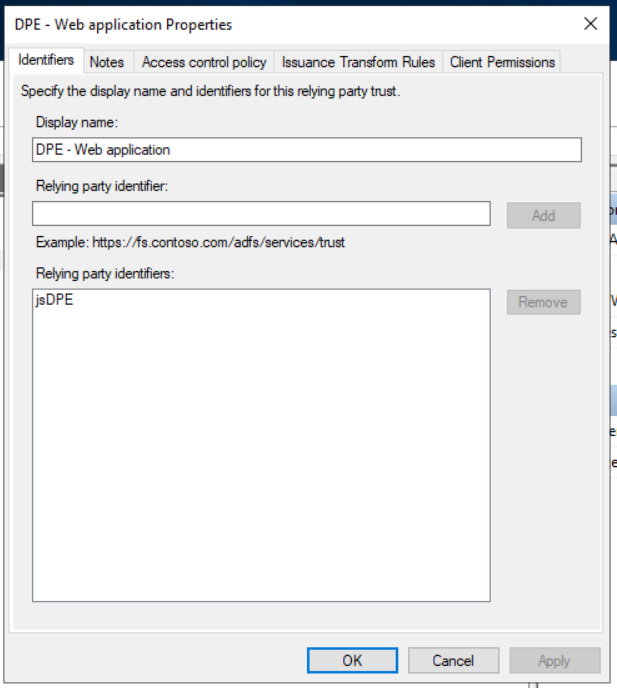
The DPE Web Application part looks like this...
-
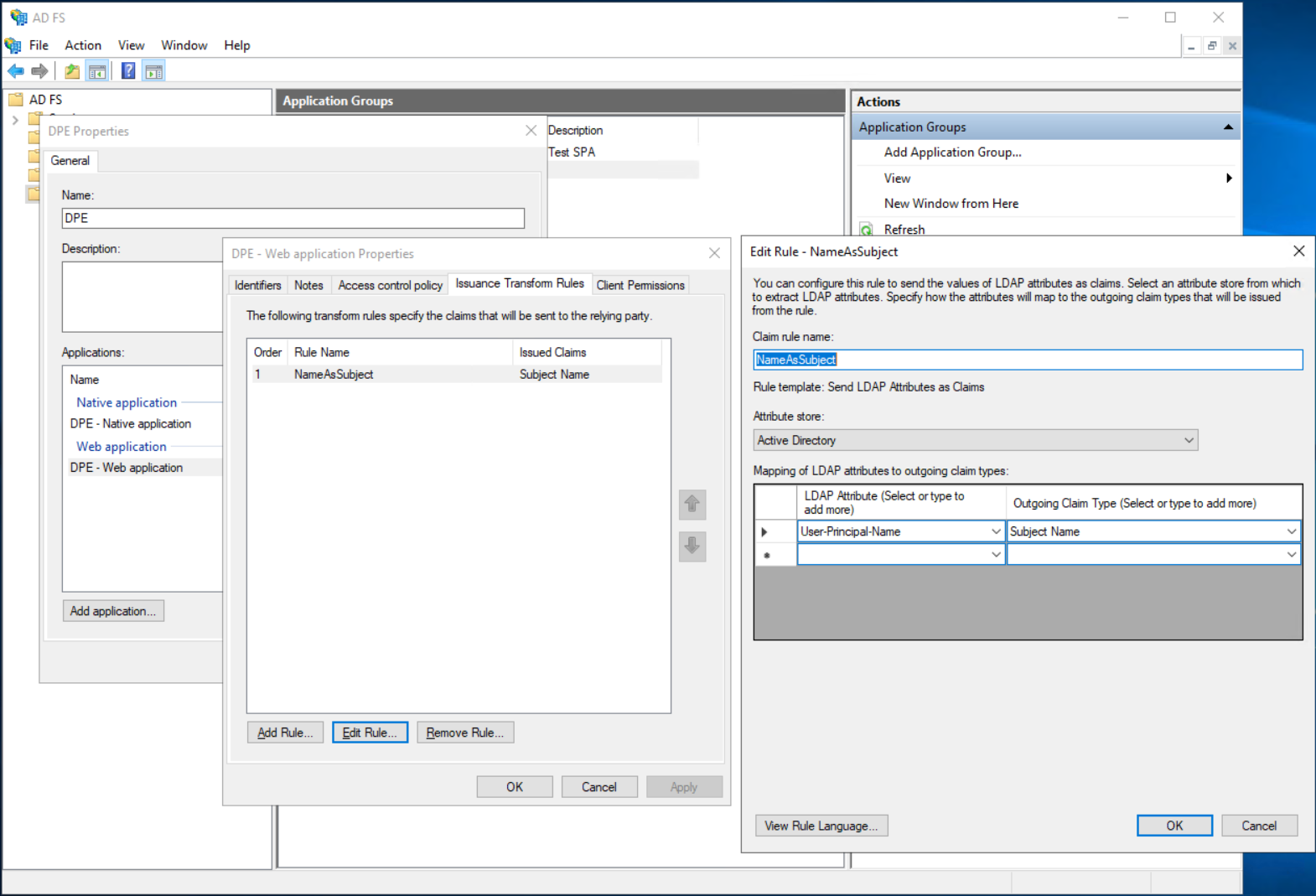
Also apply the following Issuance Transform Rule which adds the AD username to the token properties (needed to map AD user to DigaSystem user)