Some administration tasks can be delegated to users by granting them permissions.
Access to DPE Admin areas
Permissions to open areas in the DPE Admin user interface.
|
Admin Area |
Action Right |
Typical Tasks |
|---|---|---|
|
Parameters |
DpeAdmin.OpenParameterManagement |
Apply configuration parameters to the global registry Apply configuration parameters to computer, user and shared registries |
|
Databases |
DpeAdmin.OpenDatabaseManagement |
Edit master data, e.g. definition lists or ressorts |
|
Tables |
DpeAdmin.OpenTableManagement |
List, add & delete tables |
|
Users & Groups |
DpeAdmin.OpenRightsManagement |
Manage users, groups and permissions |
Parameters
Full permission to write to the global registry
Full permission to write to the global registry is controlled by the Registry right Change or Write to the object name Global.
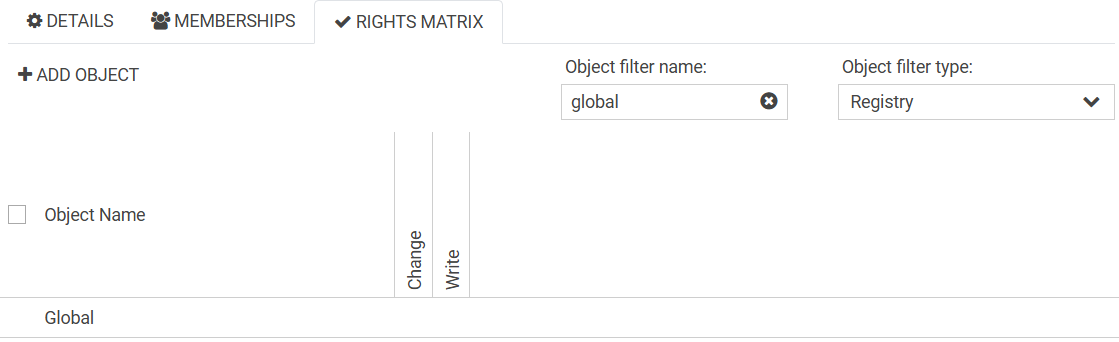
Applying configuration to the global registry without full permission
When using Nano >= v1.4.20 it is possible to delegate permissions for changing sub folders inside the global registry by granting action rights with the following naming convention:
Registry.Global.Change.<sub-folder-path>
Example: Registry.Global.Change.Common\Seasons
Applying configuration to computer, user and shared registries
When not using Nano >= 1.4.20:
All computer, user and shared registries are listed and are editable (independent of further permissions).
When using Nano >= 1.4.20 the behavior is different and depends on permissions:
Behavior is as before when the user has the permission Change/Write to Global Registry.
If the user does not have permission Change/Write to Global Registry, then only registries that are relevant for the currently logged in user/computer are visible.
There are new action rights to enable users to work on types of registries:
-
Registry.Computer.ListAll
-
Registry.User.ListAll
-
Registry.Shared.ListAll
Users & Groups
Full permission to write to the rights registry
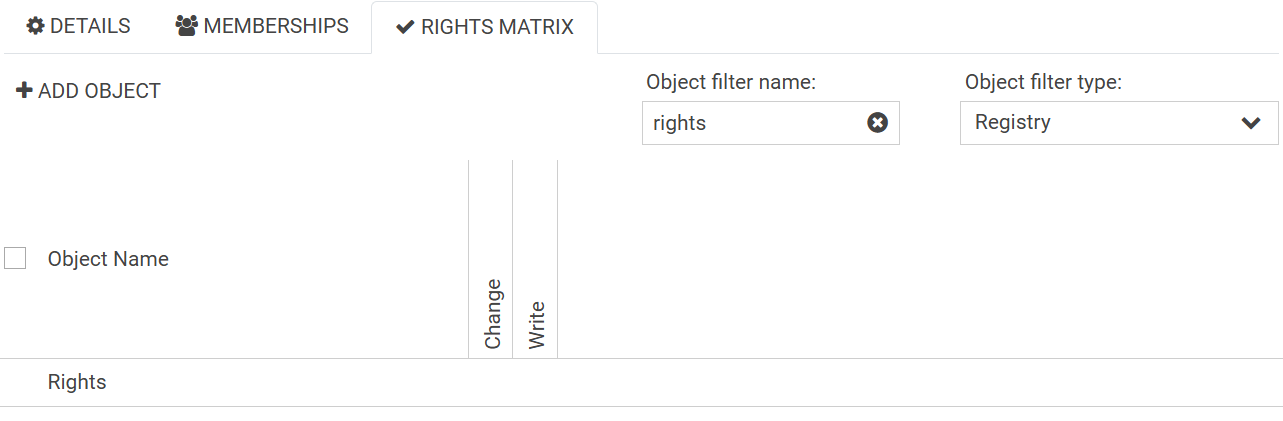
Full permission to write to the rights registry is controlled by the Registry right Change or Write to the object name Rights.
This right is needed for any change of Users, Groups and Permissions.