Requires a license WorkflowSystem (previously WorkflowAdmin) and the action right DpeAdmin.OpenWorkflowTemplateManagement.
Various Workflows are required for the DPE applications to work effectively. The 'AudioWaveform' workflow template, for example, creates a waveform for every audio entry that is added to the Diga System. Workflow templates can be imported into the system in following ways:
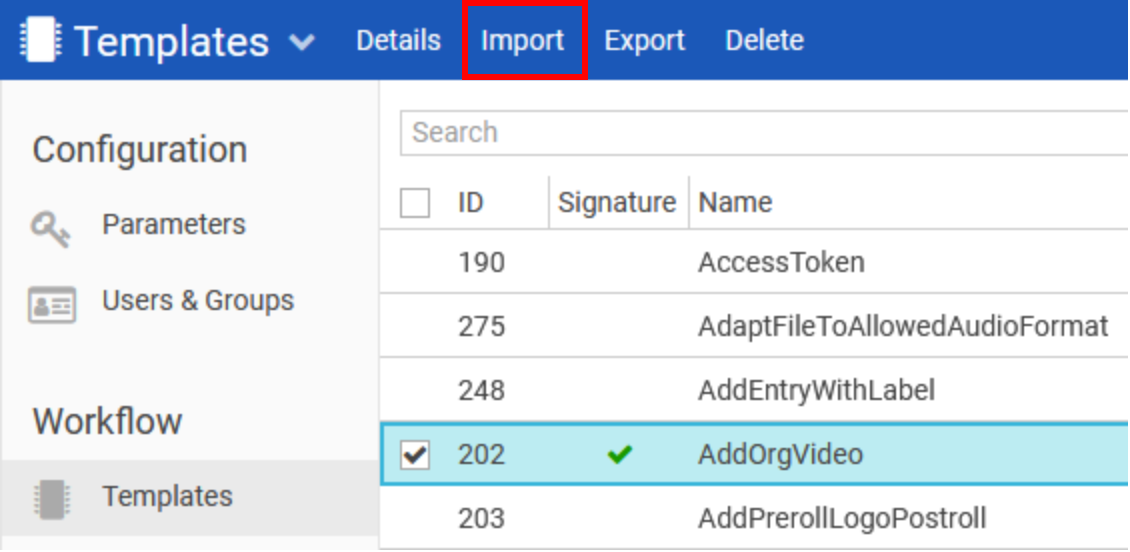
Import Button in Top Menu
-
In the Web Admin, navigate to Templates (for workflow templates).
-
Click 'Import' from the Top menu.
-
Open the desired template file (.wft), from the file explorer window.
The workflow has now been imported and can be used in the DPE system.
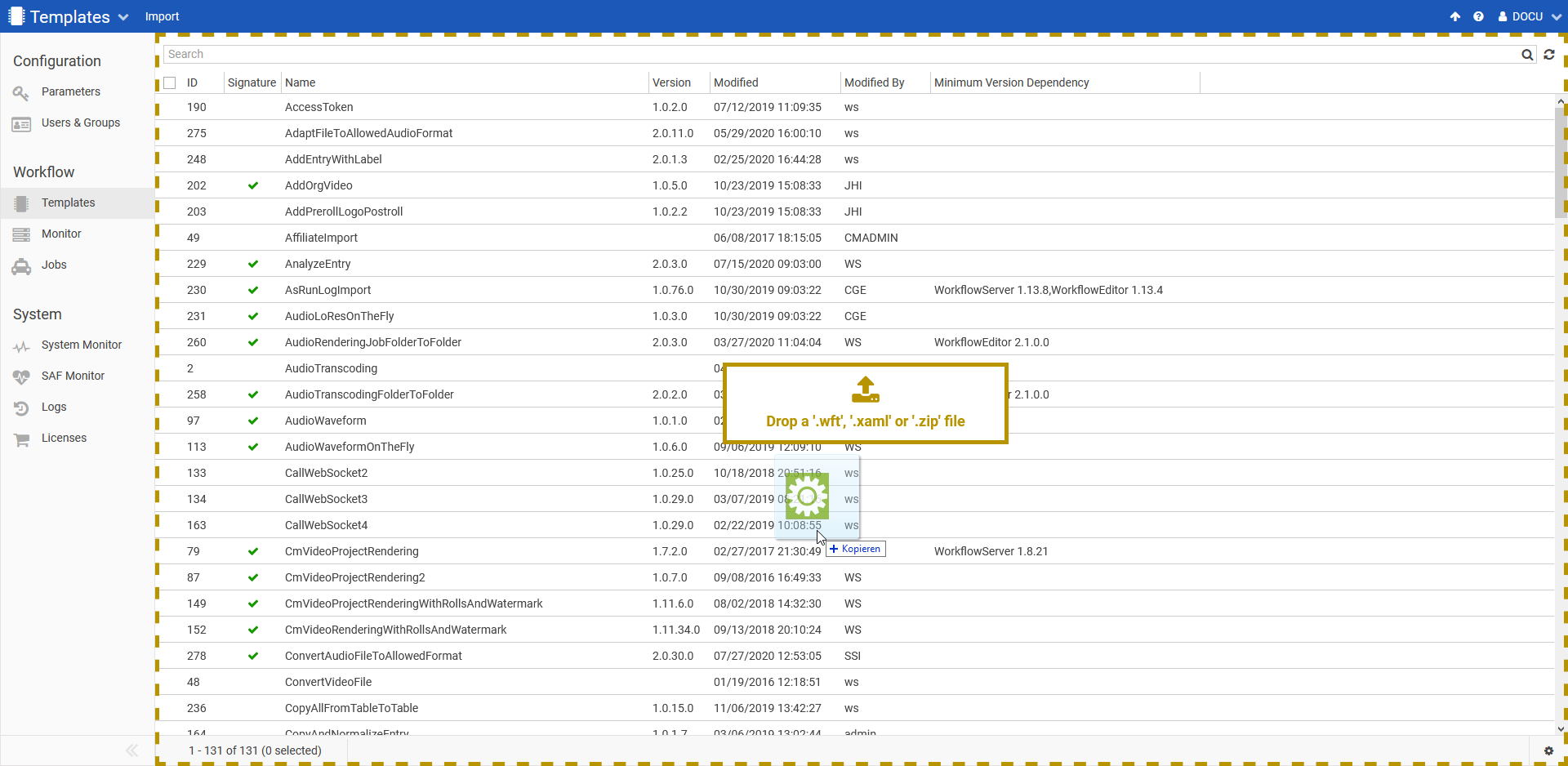
Via Drag-drop operation
-
In the Web Admin, navigate to Templates (for workflow templates).
-
Select a file (.wft) from file explorer and drop it onto the page.
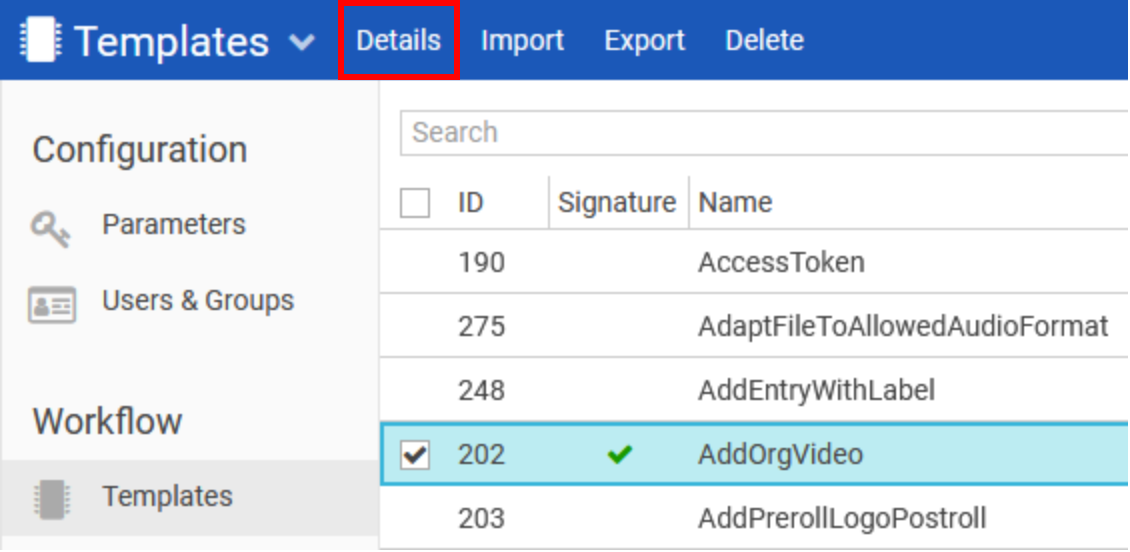
To view the metadata information for a template, simply click the "Details" navigation link: