
Requires a license ManagementServices (previously ParameterManagement) and the action right DpeAdmin.OpenTableManagement.
Here you learn how to add, edit and delete DigaSystem Tables
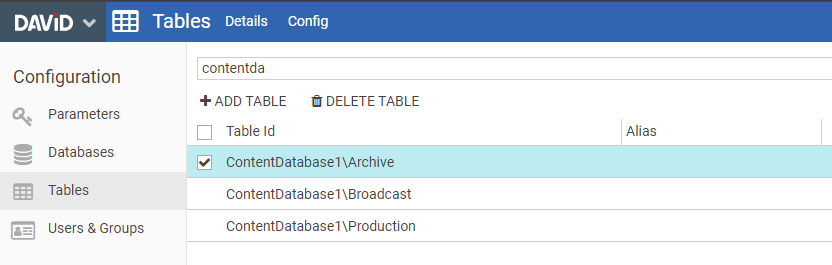
Add a table
By clicking on the button +ADD TABLE a new page opens, please fill out the requested data

Delete a table
Select the tables you want to delete and click DELETE TABLE.
Important, there is NO undo - once the button is clicked the selected tables will be deleted from the database.
Details view
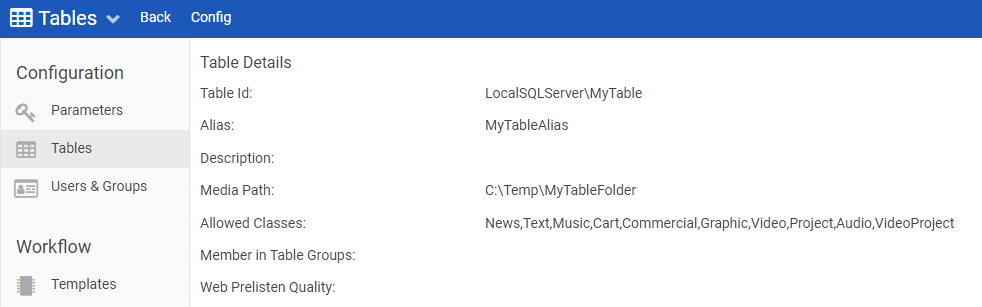
Config Button
By Clicking on the config button the parameters page of the selected database opens