
How to declare a variable of type Entry
Put your activities inside a Sequence or Flowchart. Only there you can declare variables.
-
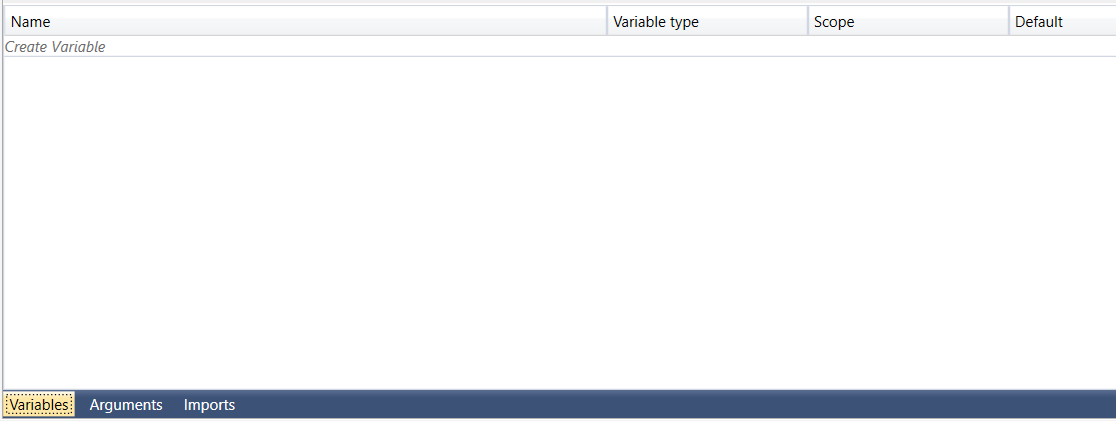
Open tab Variables in the designer
-
Click onto Create Variable and enter a name for your variable, e.g. "e"

-
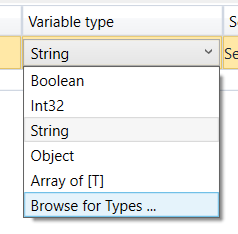
Click onto the text String in the column Variable type to change the type
-
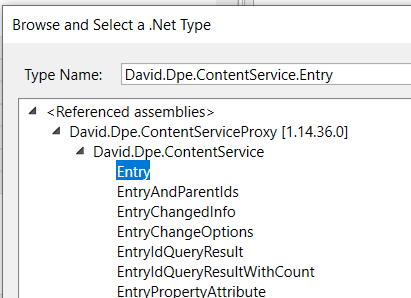
Select Browse for Types… and then enter the text Entry
-
Select the type Entry and end up with the following result:
