
In order to use the ADSync module, you need to start the ADSyncServer.
You will find the executable in the folder "AdSyncServer" by default in "C:\ProgramFiles(x86)\DigaSystem\".
There are 3 executables in the folder:
-
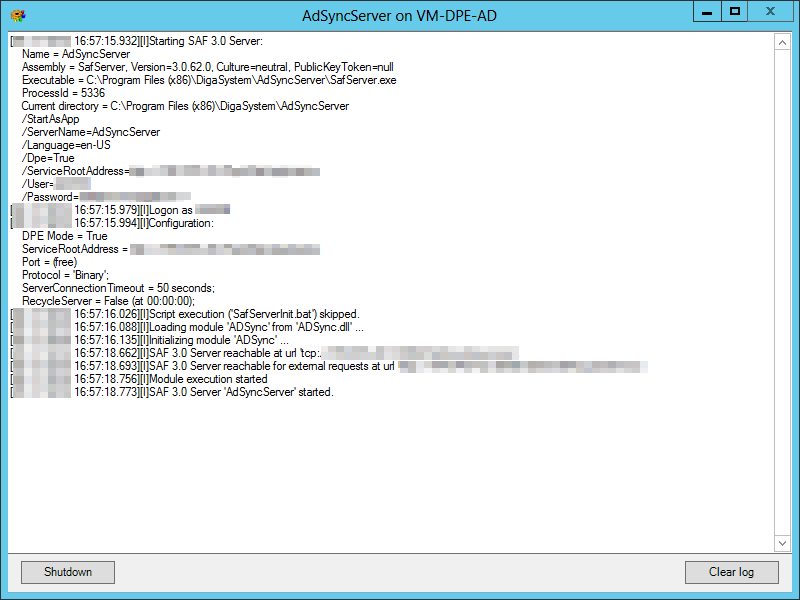
AdSyncServer, which is a link to start the ADSync server:
-
SafAdministration.exe, which launches SAF Admin to configure the ADSync module:

In the left panel "Registered Servers and Modules" of SAF Admin you can see the state of the ADSyncServer according to the icon, also see Introduction to SAF Administration:
Icon
Meaning

The ADSyncServer is offline

The ADSyncServer is connectable

The ADSyncServer is connecting

The ADSyncServer is online
-
SafServer.exe, see SAF Server and Admin.