
-
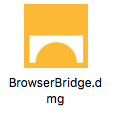
Open the DMG container containing the installer.
-
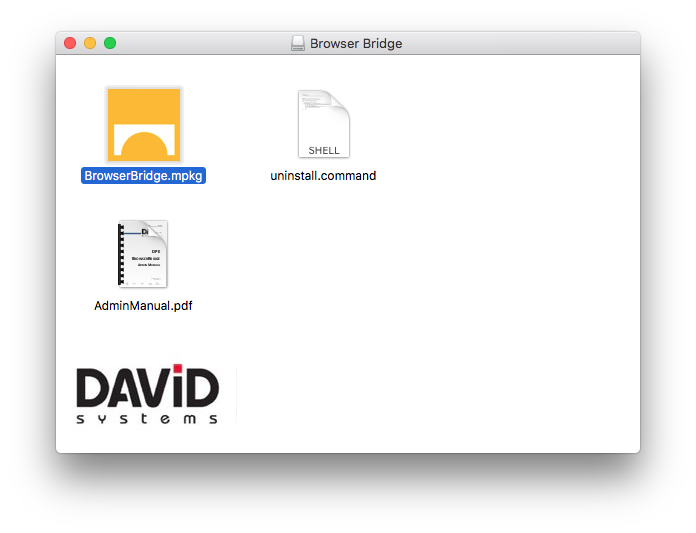
Open the installer.
-
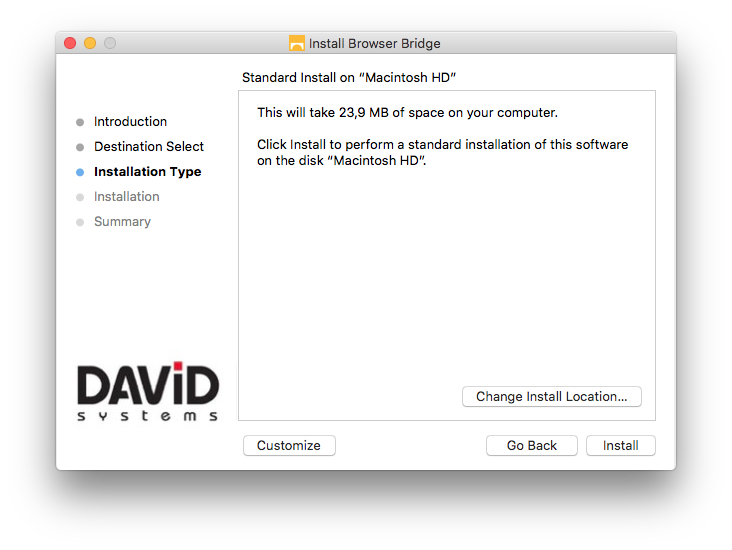
Click "Install".
-
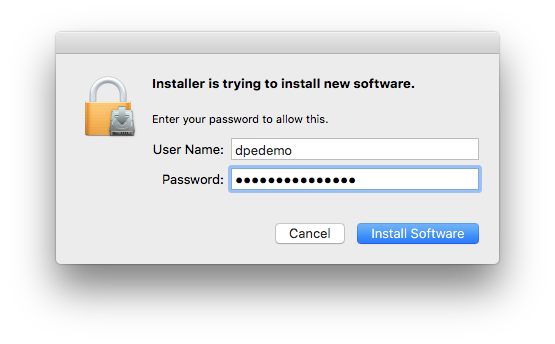
You will then be asked for administrative privileges
-
Close the installer.
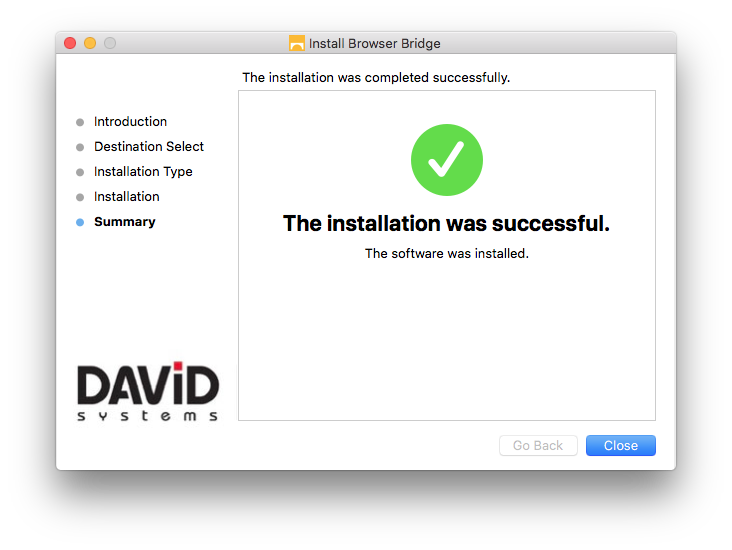
Verify installation
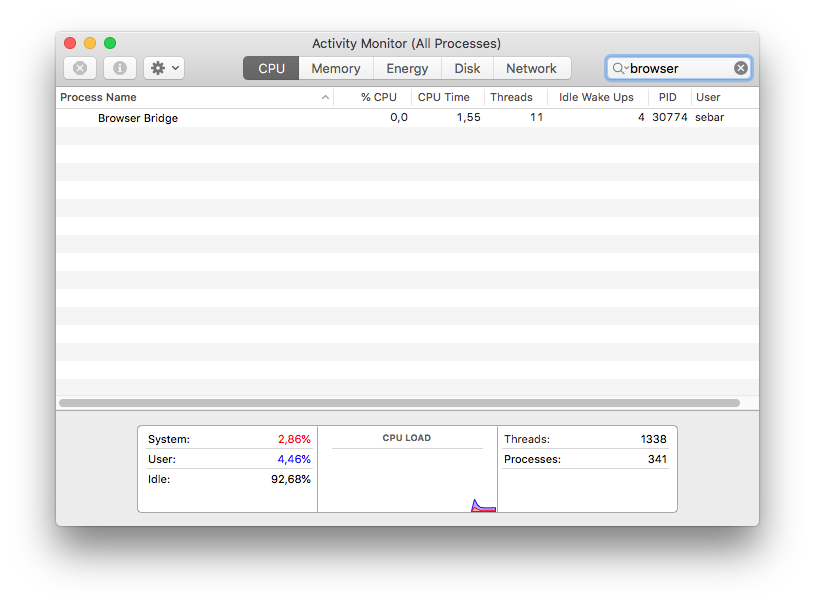
You can verify that BrowserBridge is running by opening the Mac OS Activity Monitor and search for "Browser Bridge"
Browser bridge will check for update at every start and download new version if needed.