
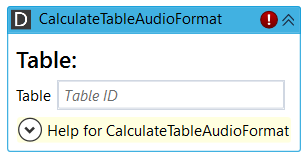
CalculateTableAudioFormat matches an audio format against allowed (and default) audio formats specified for a DigaSystem table. It returns a string array of target formats (when a conversion is required) or an empty string array (if no conversion is required). Audio formats are specified in Audio32 section string format.
Note: the activity caches system configuration, changes in table or audio template configuration will not be immediately visible/applied.
Properties
Input
|
Name |
Description |
|---|---|
|
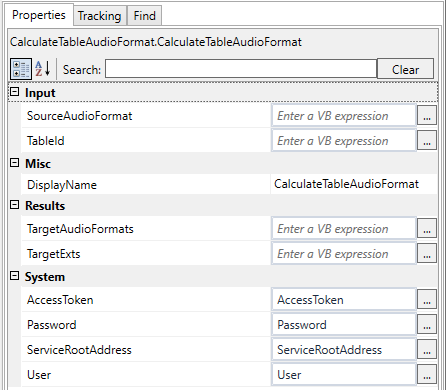
SourceAudioFormat
|
Audio32 section string describing the audio format to be matched again allowed (and default) format of a DigaSystem table. Example:
|
|
TableId
|
Table ID string specifying a DigaSystem table. A table specification can contain allowed and default audio templates. Example: |

Output
|
Name |
Description |
|---|---|
|
TargetAudioFormats
|
Returns empty string array when no conversion is required. When a conversion is required it returns a string array containing Audio32 section strings. The first element is the recommended conversion (according to allowed and default settings). The other elements are alternative conversions to match one of the allowed audio templates. Example output (for the above input examples):
|