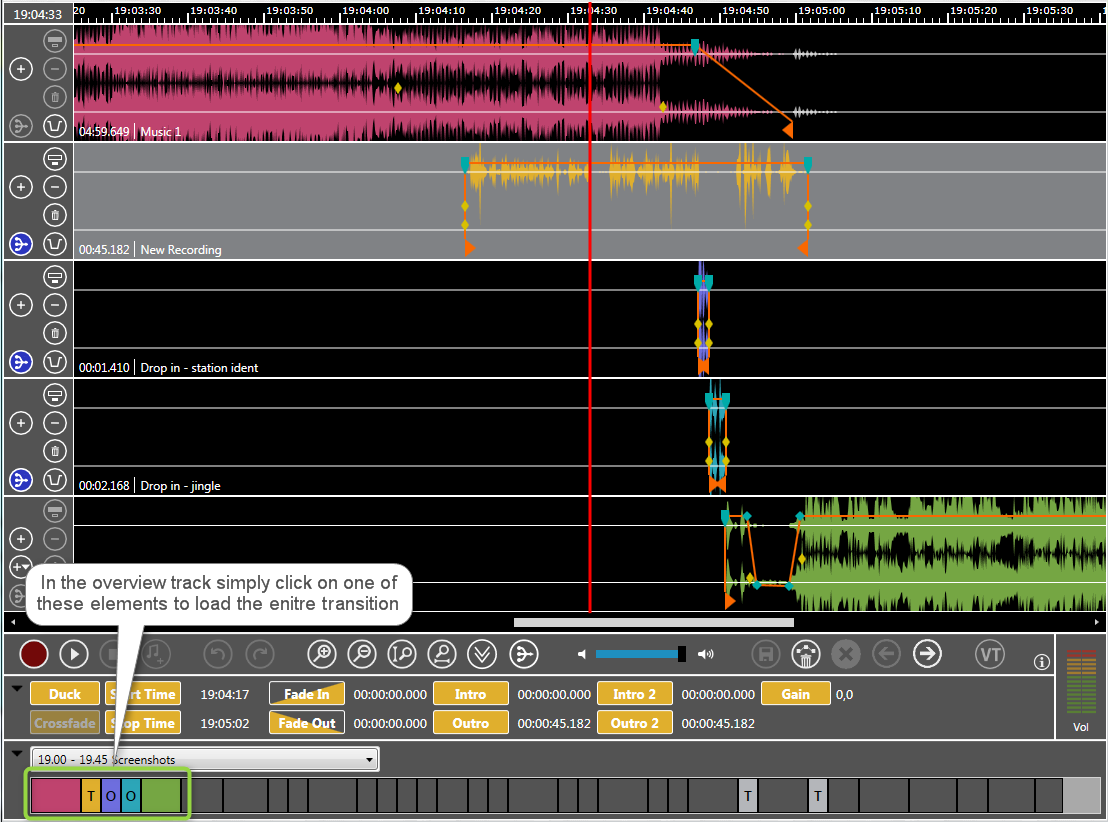
The elements are loaded from the rundown or from OTM's overview track. When the talent selects a specific amount of two or more elements, then this exact amount of elements is loaded together with overlaid elements.
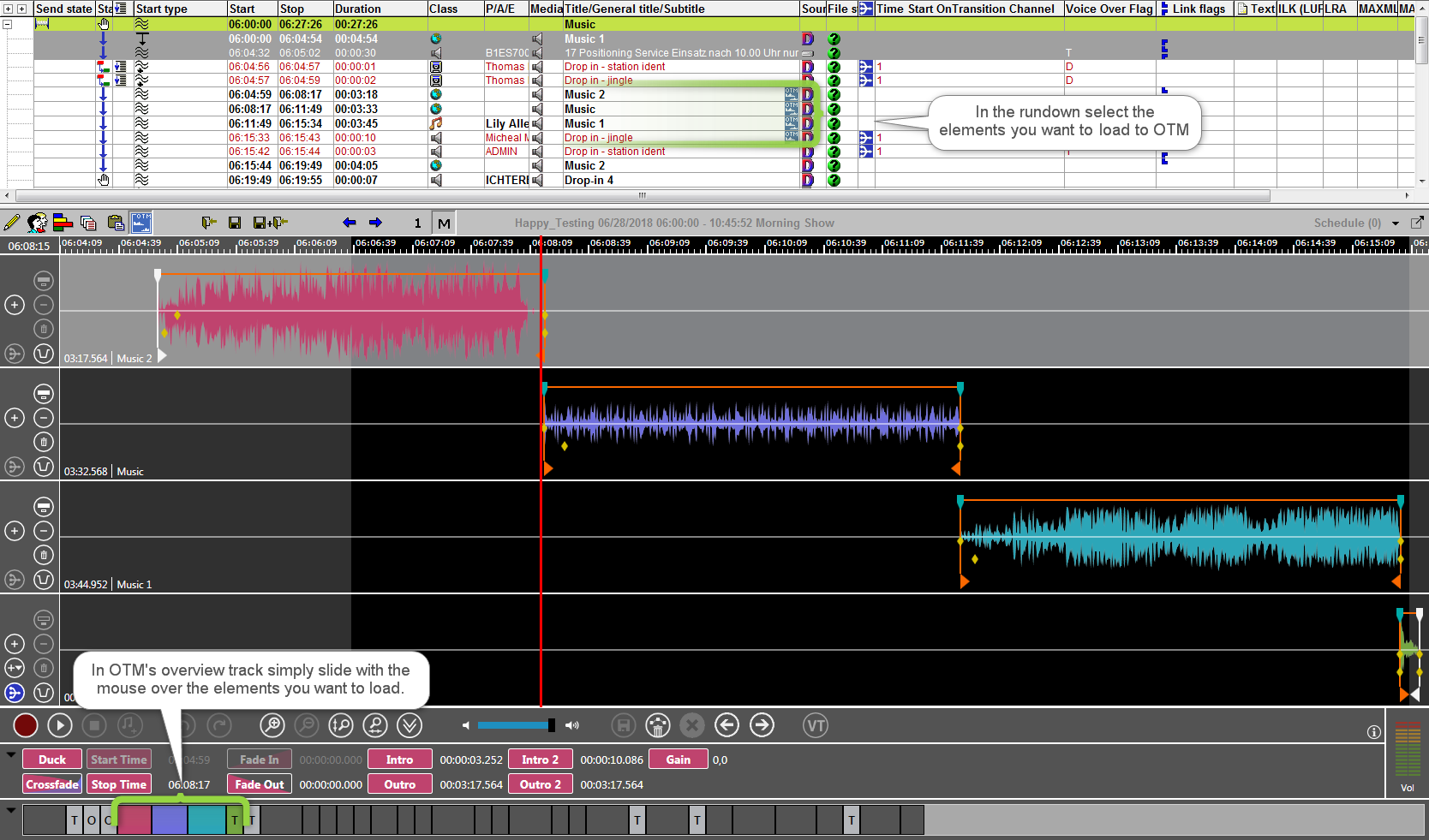
All elements of a transition are loaded to OTM, if only one single element of the transition is selected or dropped to OTM. A transition may contain overlaid or transition elements which are related to a main element. All these audio elements together are part of a transition. Here are different ways to load a transitions.
The entire transition opens in MultiTrack mode when:
-
one element of the transition is dragged from DigAIRange's or TurboPlayer's rundown to the timeline of OTM.
-
one element of the transition is selected in the overview track
-
the user switches from single track to multi track mode
-
the user clicks the Next or Previous Transition button