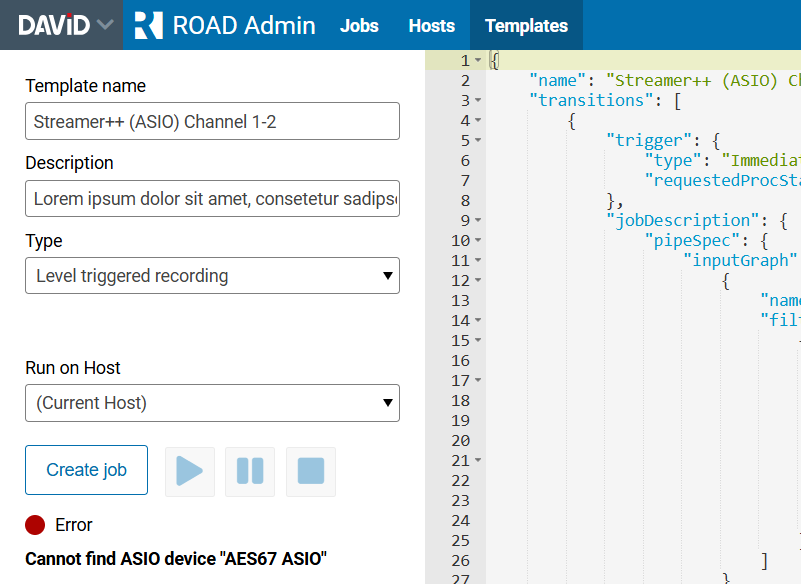
The ROAD Admin - Templates page manages and tests templates.
You can:
-
Search for templates
-
View template details
-
Duplicate templates
-
Import templates from a file
-
Export a template to a file
-
Rename a template
-
Delete a template
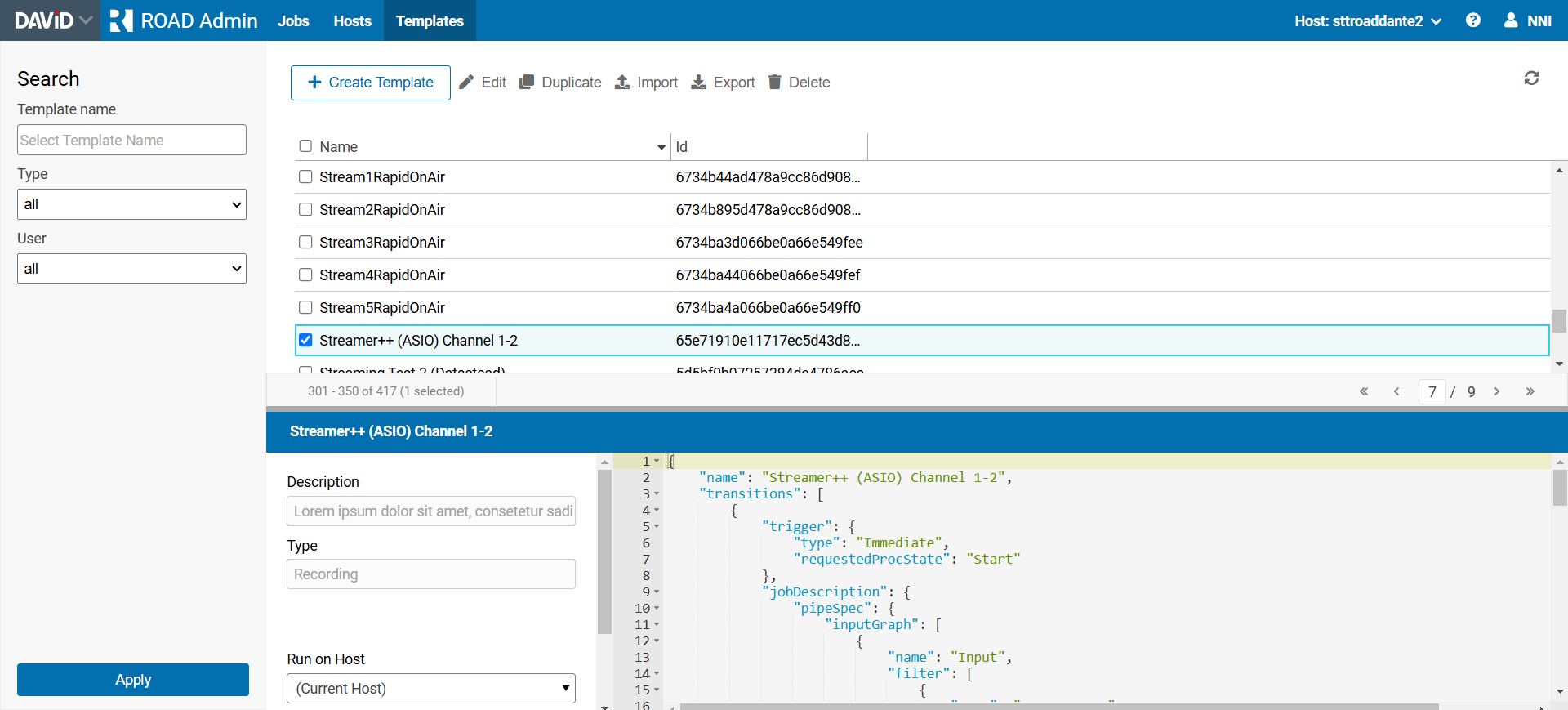
Modifying a template
Click the Edit menu button to modify or rename a template.
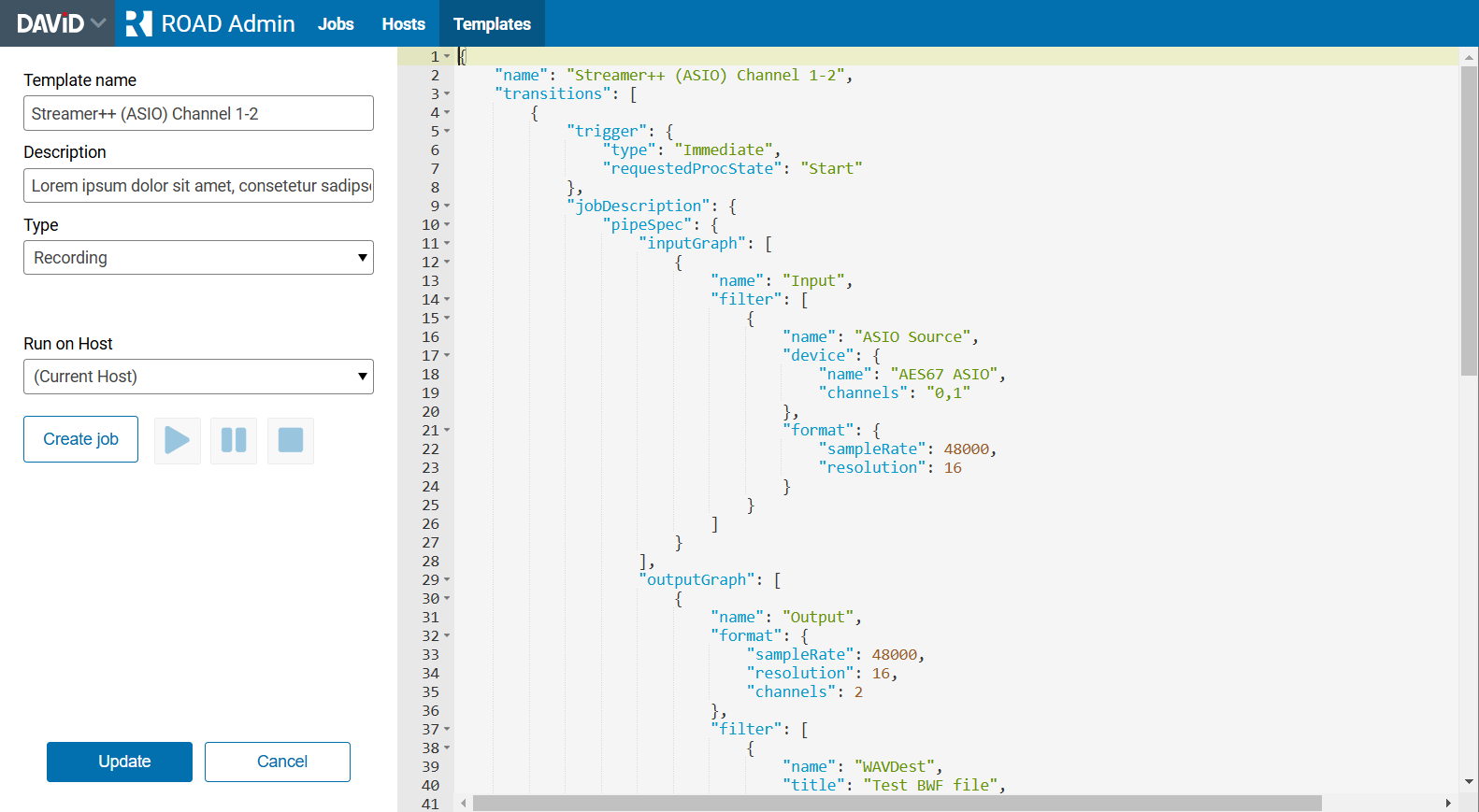
Note that you can edit the template name in the left area, where the “name” field in the JSON represents the optional name of the job being created.
Save your changes by clicking the Update button or discard them by clicking the Cancel button.
Creating a template
Click the Create Template button to create a new template.
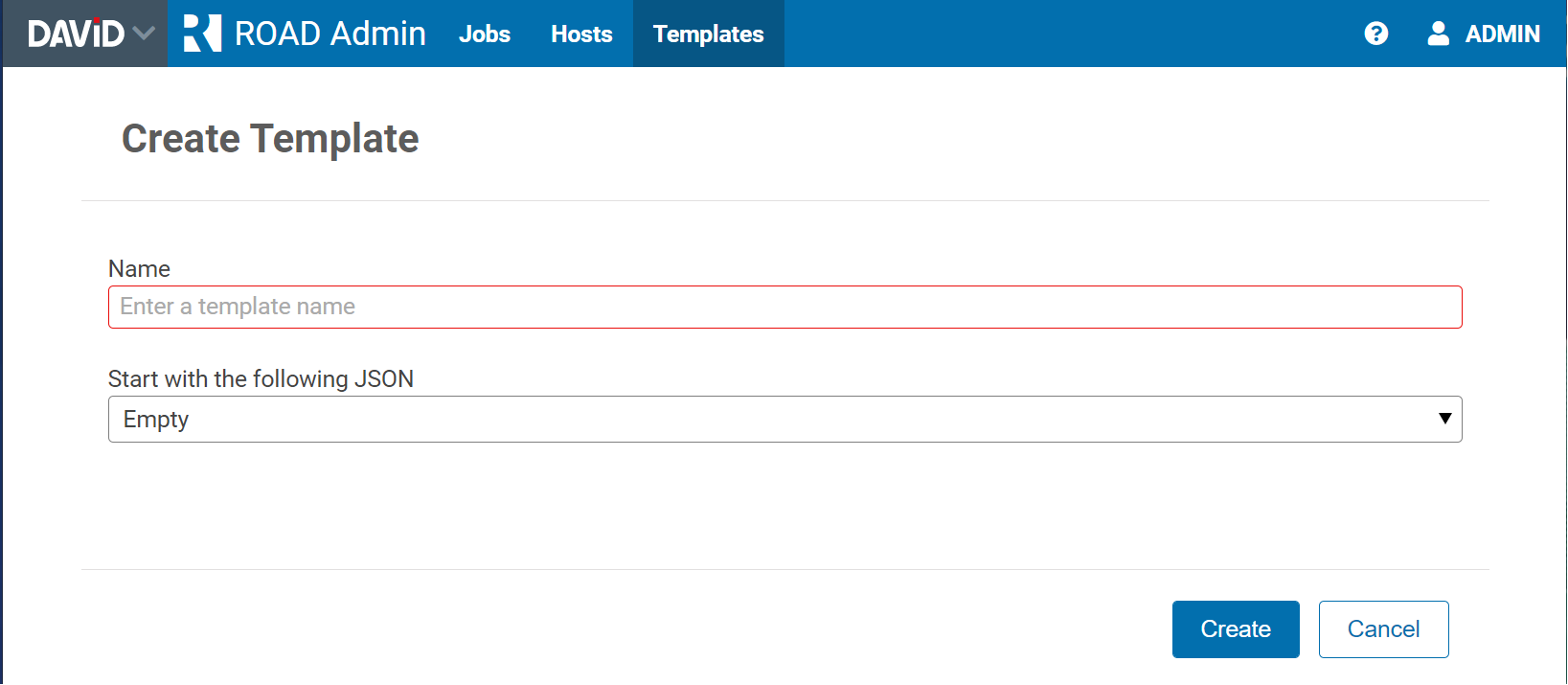
Enter a template name and specify the initial JSON for the template.
Testing a template
Test the template by clicking the Create job button.
The visible JSON will be used for the test, even if it is not yet saved.
The play, pause, and stop buttons will change according to the test job's state.
A level meter displays the audio output level of the job.
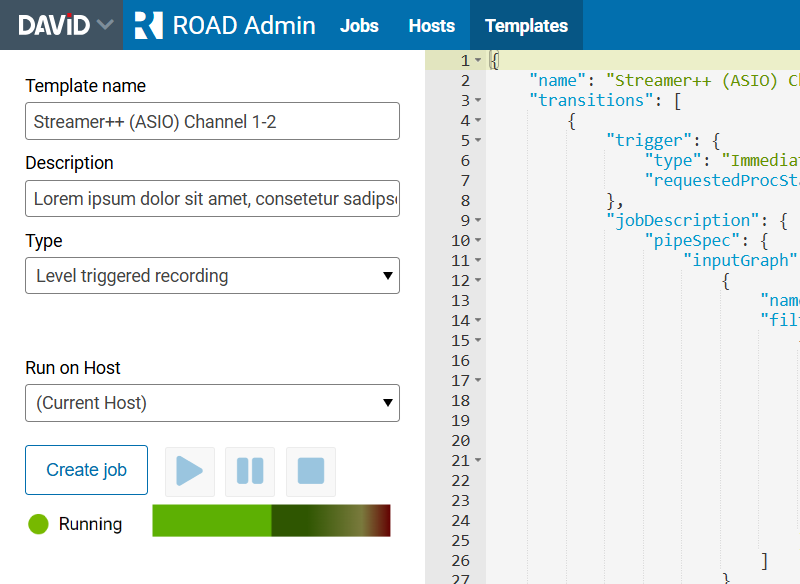
If an error occurs, it will be displayed below.