
WebDigAIRange allows you to print a selected show/group/story or element. The layout for printing can be configured, for more details see Printing Template Configuration.
Printing a Show:
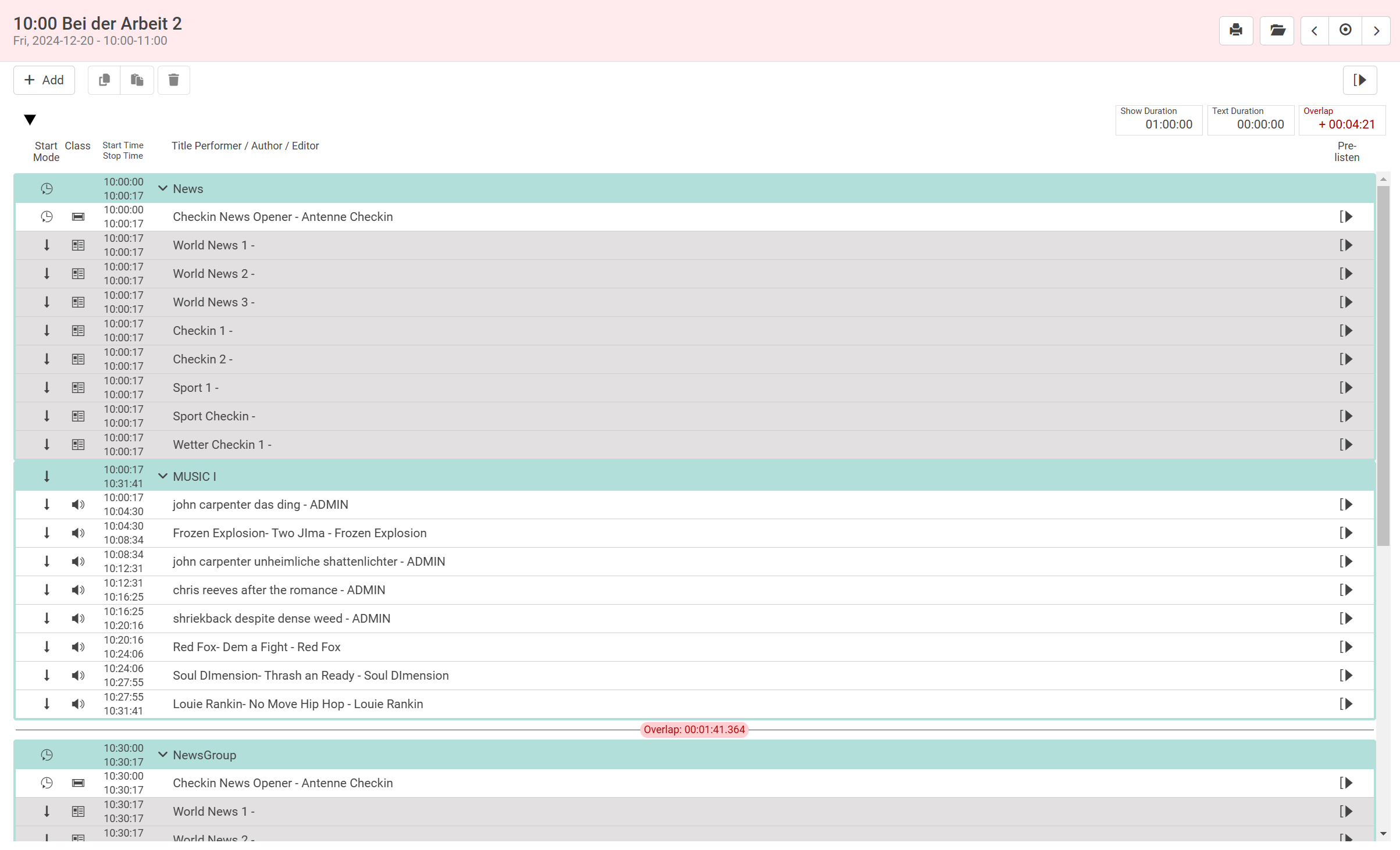
Go to a Scheduling view of the show that needs to be printed. Click on the print icon in the toolbar to print the show.
Printing a Story/Group/Element:
Click on the entry that needs to be printed, the metadata mask opens and click on print icon in the mask.
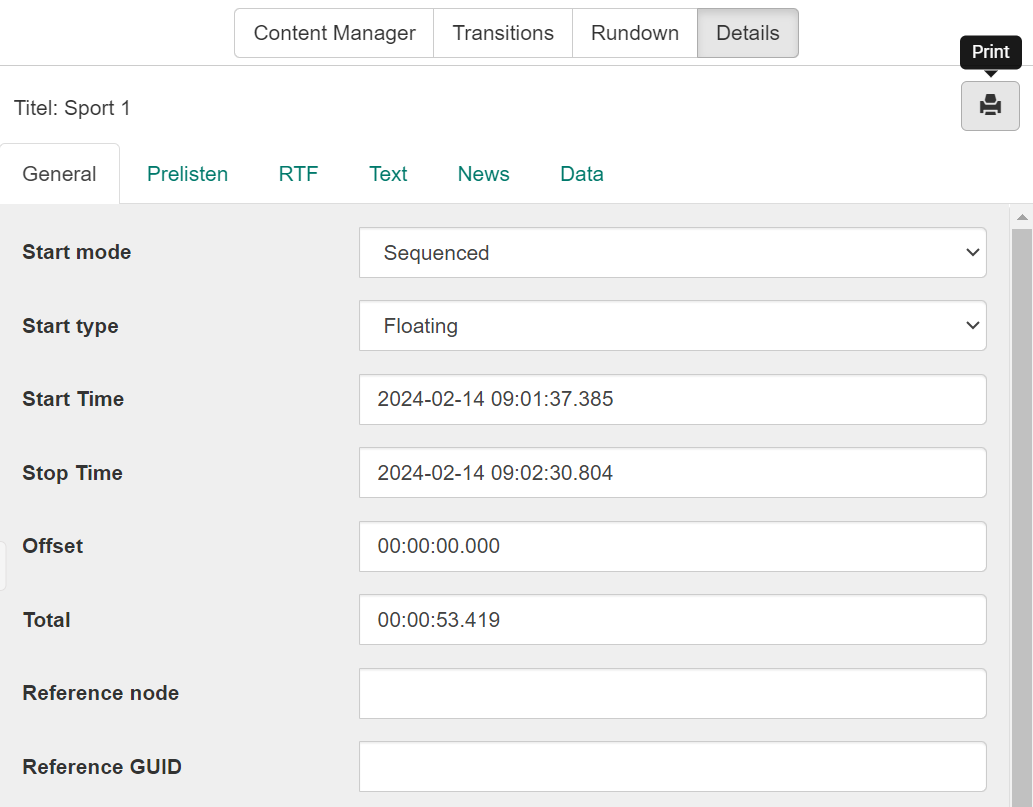
The print button for group/story/element is configurable in the settings.json and the button is not shown by default. See the print section in Configuration to display the print button.