Drag-drop modes in the transport bar determines the behaviour when one audio segment in timeline view is dragged and dropped over another.
These modes can be toggled from toolbar by simply clicking on the button or using the configured shortcut (default: D).
There are three modes to choose from: Overwrite, Crossfade, Shuffle.
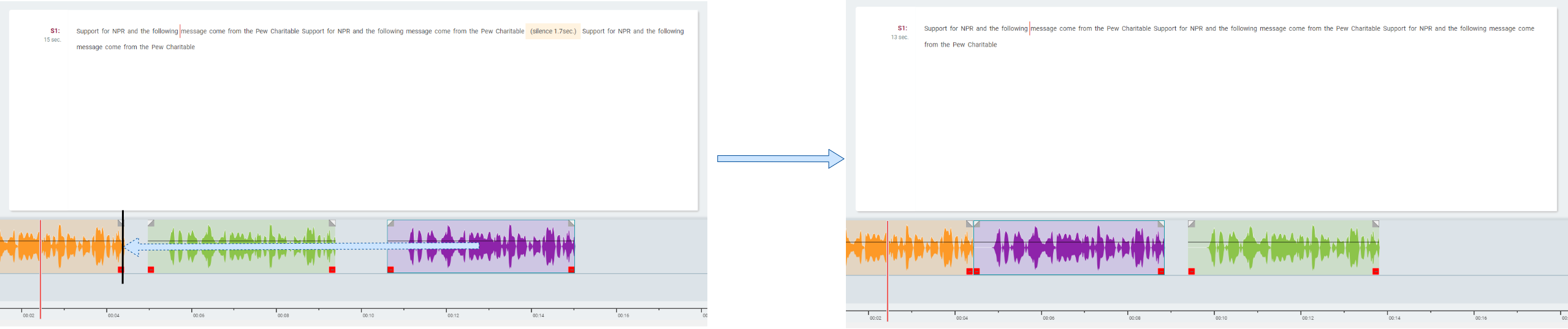
Overwrite Mode
This mode overwrites overlapping area from fixed audio with audio segment that is being dragged.
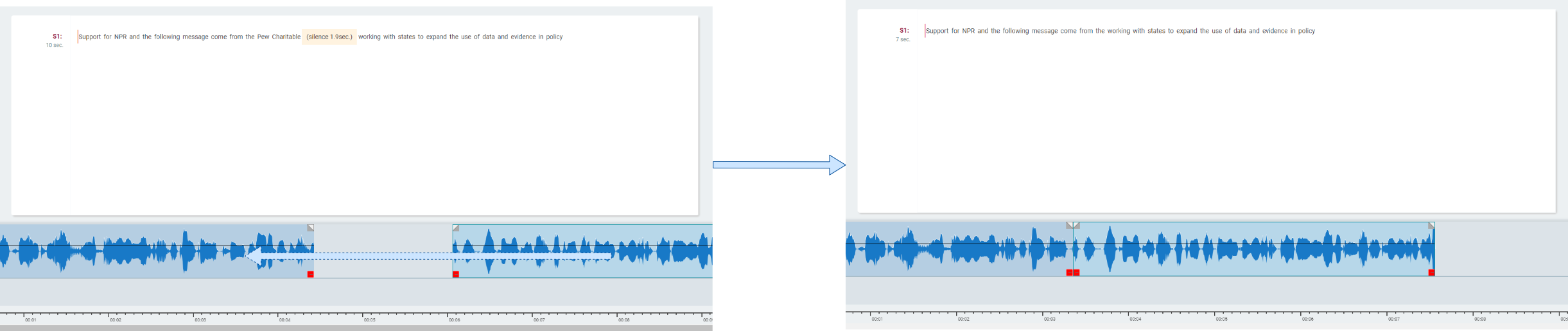
Crossfade Mode
This mode crossfades the elements.
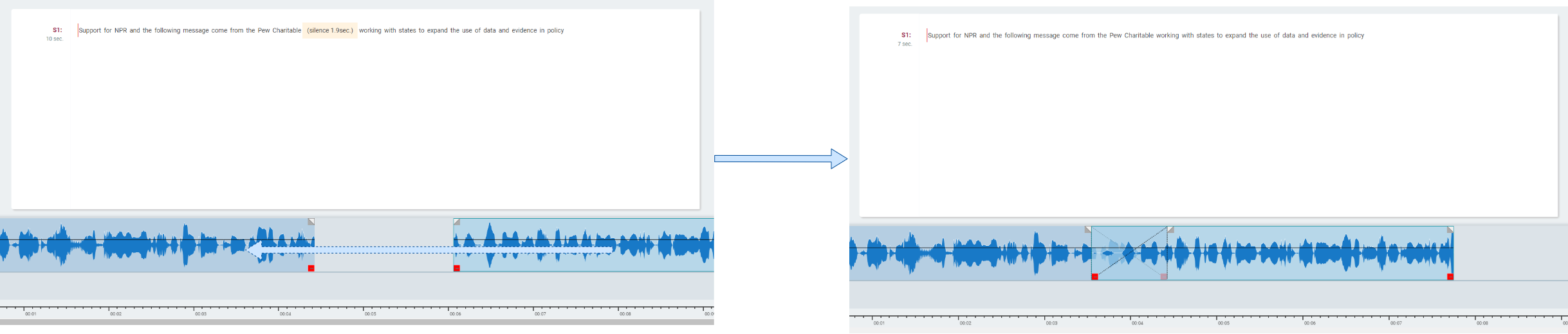
Shuffle Mode
The Timeline elements can be re-ordered by keeping the overall duration. For a more precise drop on the borders, please activate the Snap Mode.