
Gain Adjustment for Tracks
The gain for tracks can be adjusted through the "Adjust Gain" option under the "Audio" menu. The dialog features two sliders to change the gain, one for the main track and another for the music track.
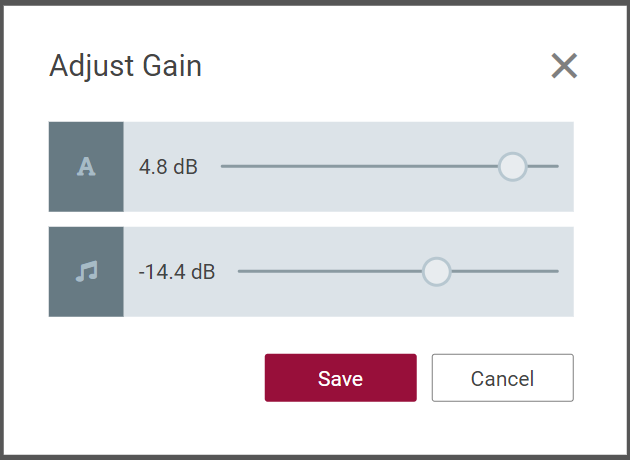
Gain Automation Points
The Timeline View also let users make gain adjustments by simply adding/adjusting gain handles.
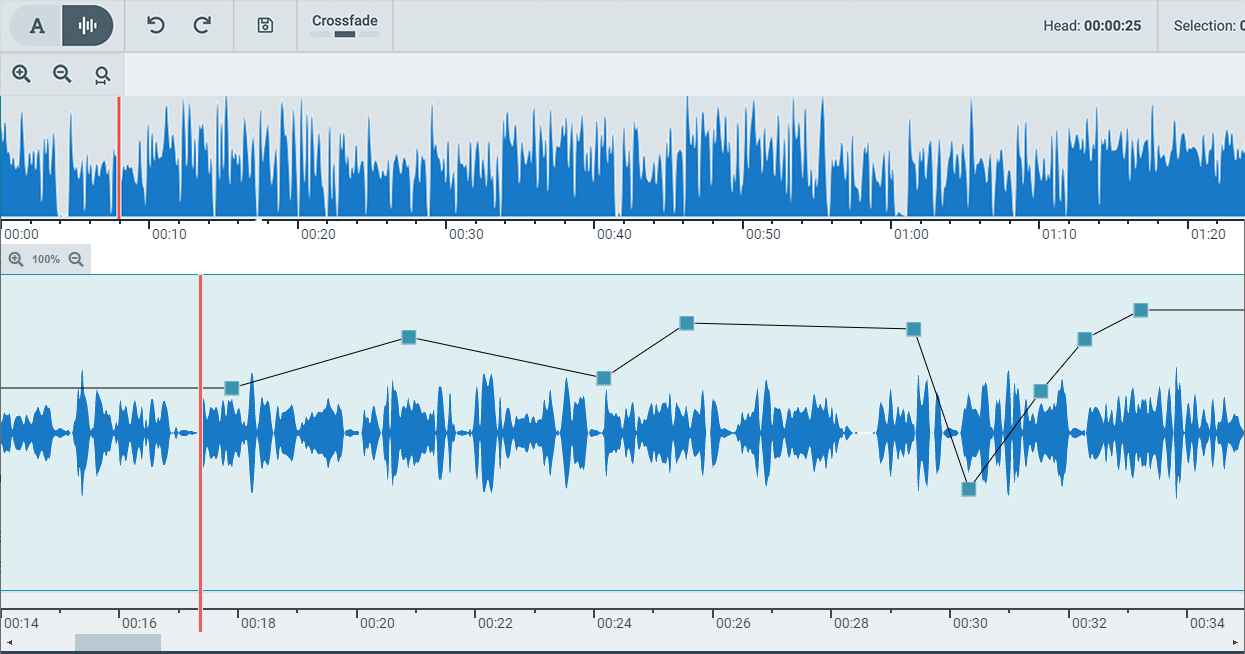
Adding Gain Automation Points
To add Gain Automation Points, simply go the position in the waveform and press "Ctrl+LeftMouseClick" on the line right above waveform.
Dragging the gainhandle also shows the gain value in the tooltip.

Removing Gain Automation Points
Press Ctrl+double click on the handles to remove them.