
Endpoint stories (EPS) in a DigAIRange show rundown have a prelistening functionality, like most other entries, too. If at least one element in the EPS has a TurboPlayer Endpoint, then the usual player icon appears in the “Prelisten” column.
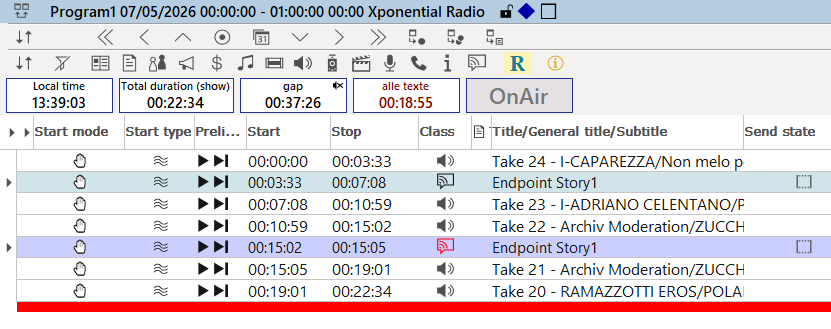
Clicking this icon (or using the middle mouse button when the element is selected) will trigger prelistening of the first element with a TurboPlayer Endpoint. Therefore, it is not required to open the EPS for prelistening.