
Converts an audio file.
VST3 filters can be also applied here.
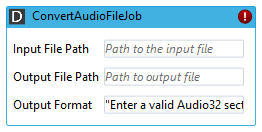
Properties
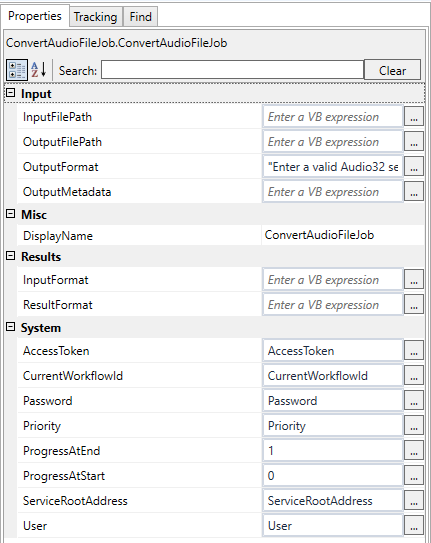
Input
|
Name |
Description |
|---|---|
|
InputFilePath |
Input file path. |
|
OutputFilePath |
Output file path. |
|
OutputFormat |
Output format in Audio32 section string format, e.g. All Audio32 section string tags are supported, e.g. add [RELAXED_ERROR_CHECK]1 for relaxed error check. |
|
OutputMetadata |
Optional. Some output formats support embedding metadata, e.g. MP3 and ID3 tags. The metadata can be specified here using section strings, e.g. Supported standard tags: [TITLE], [PUBLISHER], [COMPOSER], [PRODUCER], [PERFORMER], [OWNER], [ALBUM], [REMARK], [DATE], [TIME], [LENGTH] Any ID3 V2 tag can be set by using the syntax [ID3V2/...] Also an image can be embedded as ID3V2 tag, [ID3V2/APIC03]...pathToImage... |
Output
|
Name |
Description |
|---|---|
|
InputFormat |
Optionally you want to know the input format (in Audio32 section string format) |
|
ResultFormat |
The real and fully-qualified format written. |