
Click on "ADD GROUP" to add a new group.
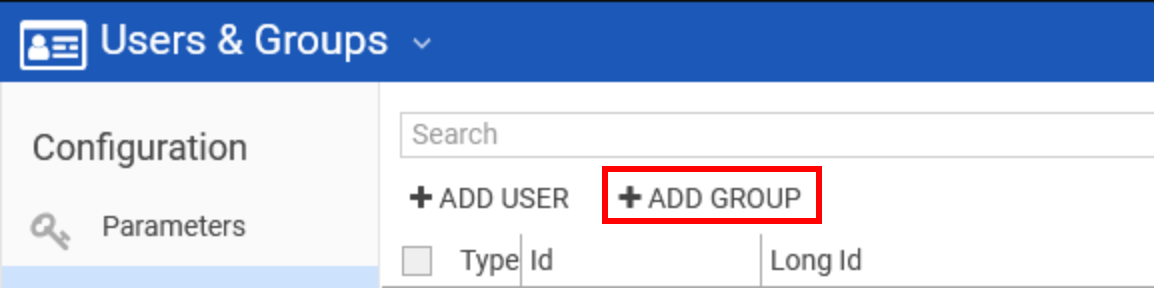
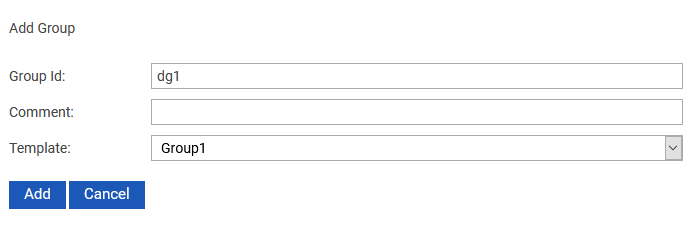
The following window appears:
|
Field |
Description |
|---|---|
|
Group Id |
Name of the new group. |
|
Comment |
Optionally enter some background information about the group. |
|
Template |
In this drop down field all existing DigaSystem groups are listed. One of those groups can be chosen. The group will then inherit the settings from the selected group. |
Click Add to create a new group after filling the details.