
Uninstall DPE Web Application and DPE Web Services
Execute the file “DpeSetup.exe” again (same version), or go to Control Panel → Programs and Features. Every instance/version of DigaSystem DPE Server and DPE Server is listed and can be removed the usual way.
The following steps are available when starting the DpeSetup.exe of a currently installed version:
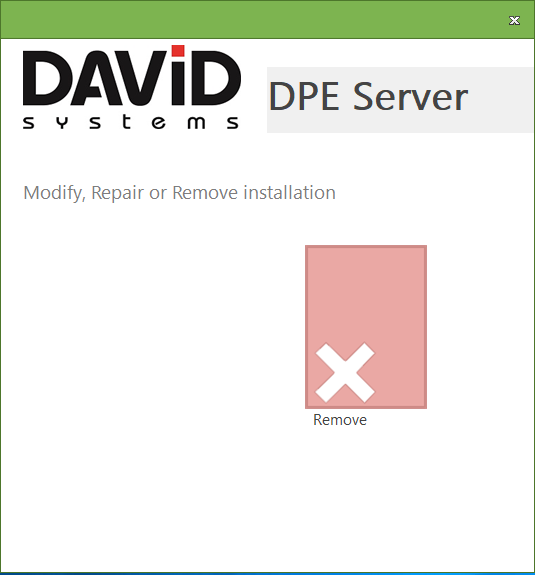
Select Remove.
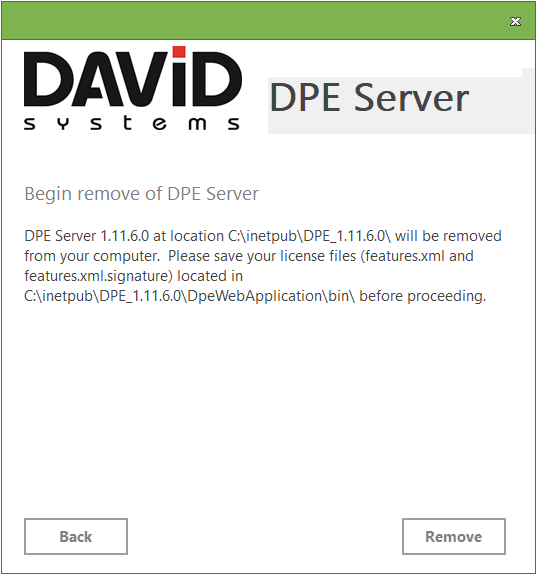
This dialog will show the version and location of the DPE installation that will be removed. Please make sure you have a backup copy of the two license files features.xml and features.xml.signature. Click the “Remove” button to start the uninstall routine.