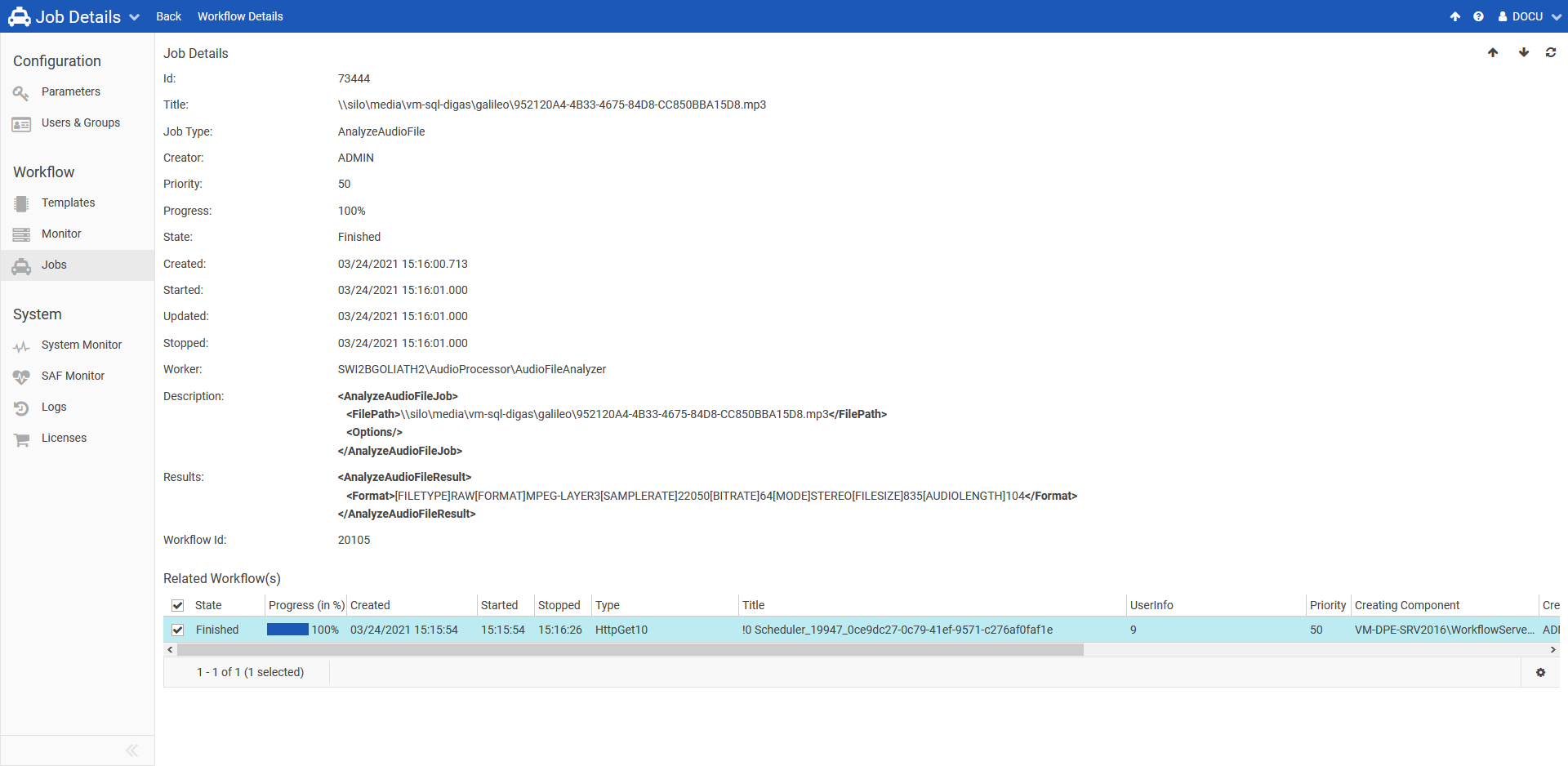
Here you find more details about:
Open the Web Admin and select Jobs to start monitoring and managing jobs.
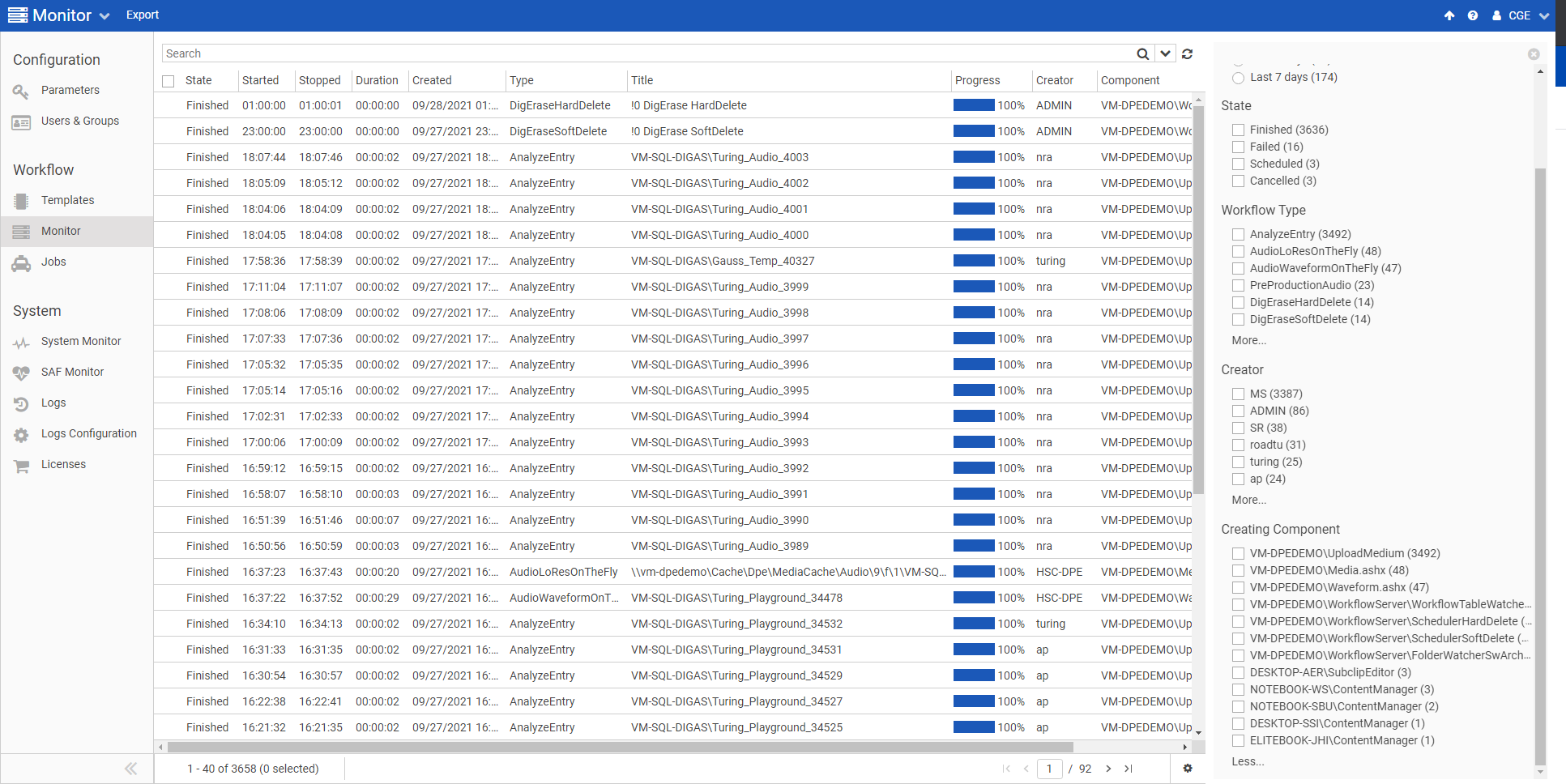
See Configuring Grids in DPE Web Applications to learn about column configuration.
Searching for Jobs
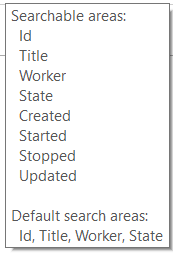
Use the search field to search for jobs by a text phrase, also see Searching in DPE Web Applications.
Available and default search areas are displayed in the tooltip of the search field:
Ordering jobs may help you finding the jobs you are interested in. Order jobs by clicking a grid column header.
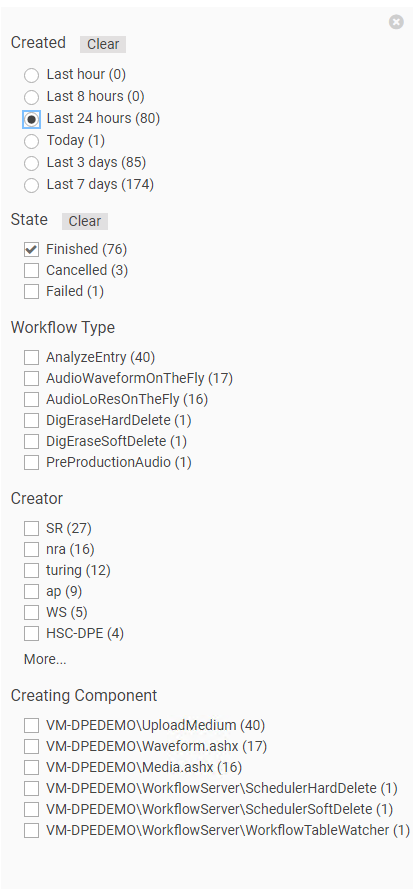
You also have the possiblity to filter jobs with the Faceted Search. You can filter by creation date, States, Types, Creator and the Creating Component.
Viewing Details of a Job
Select a row in the grid and click Details in the top menu.