
If there is a pure text entry and a pure audio entry within a table (like a script and an audio take), they can be merged like follows:
-
Mark the two database entries by clicking on them while holding down the CTRL key.
-
Right click one of them to open the entry's context menu, then select the "Merge entries..." command. In the dialog that opens, choose one of the entries to mark a source entry; all meta data of this source entry will be taken over into the target entry.
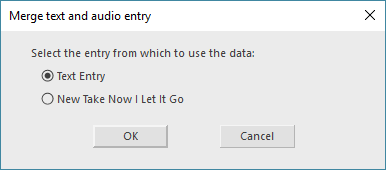
For this function, you need to select an audio item without text and a text class item.