
-
Copying one or more entries to another table requires the Content Manager Option: Production and 'create' user rights for the target table.
-
Copying growing files (State: “Recording” or “Archiving”) is not permitted.
-
Copying an entry into the same table is not permitted.
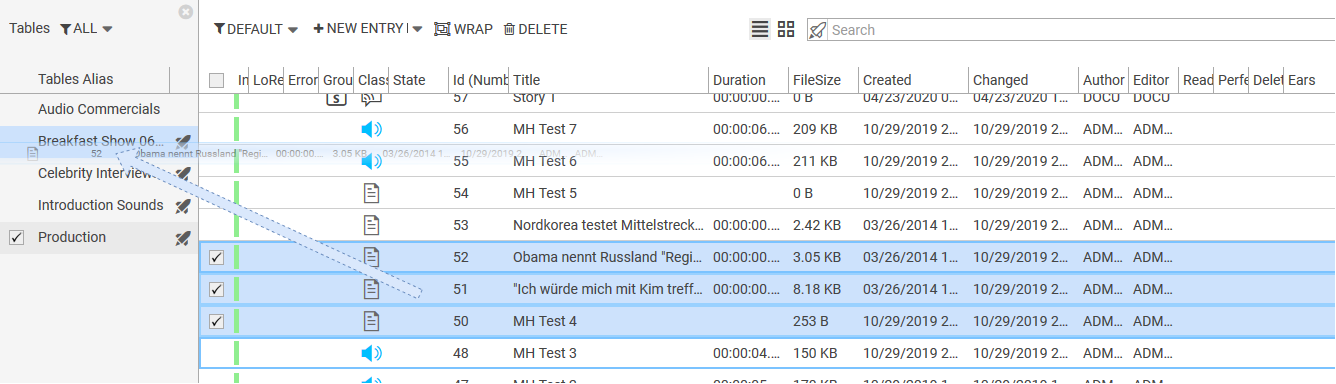
Copying entries to another table can be done in following ways:
Drag-drop
-
Select the desired entries
-
Drag and drop them onto the desired table
With keyboard shortcuts
-
Select the desired entries.
-
Press Ctrl+C: Shows a growl message displaying how many entries are copied to the clipboard.

-
Select a table in the Table list
-
Press Ctrl+V: Shows another growl message and copies entries from clipboard to the selected table.
