
Parameters being listed without a reference path are always stored under:


The bold and underlined value is the default value.
|
Module |
Parameter |
Value |
Description |
|---|---|---|---|
|
|
CollapsePanes |
TRUE, FALSE, 1, 0 |
Collapse Detail Panes: TRUE: The panes "Marker Details" and "Show Overview" will collapse/expand, when the tracks are collapsed/expanded. FALSE: The panes "Marker Details" and "Show Overview" will not change, when the tracks are collapsed/expanded. |


CollapsePanes=False
Markers and overview track are expanded.
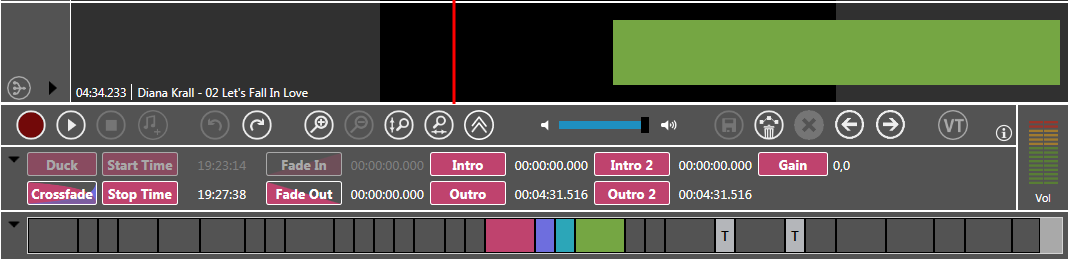
CollapsePanes=True
To save more space marker details and the overview track are not shown and collapsed.
Please see Collapse / Expand Tracks under Learn and Explore how to use it.