
Be aware that Bulk Paste will overwrite existing key values.
Copy-paste parameters:
-
Go to a parameter file and copy folders and/or keys into the clipboard.
-
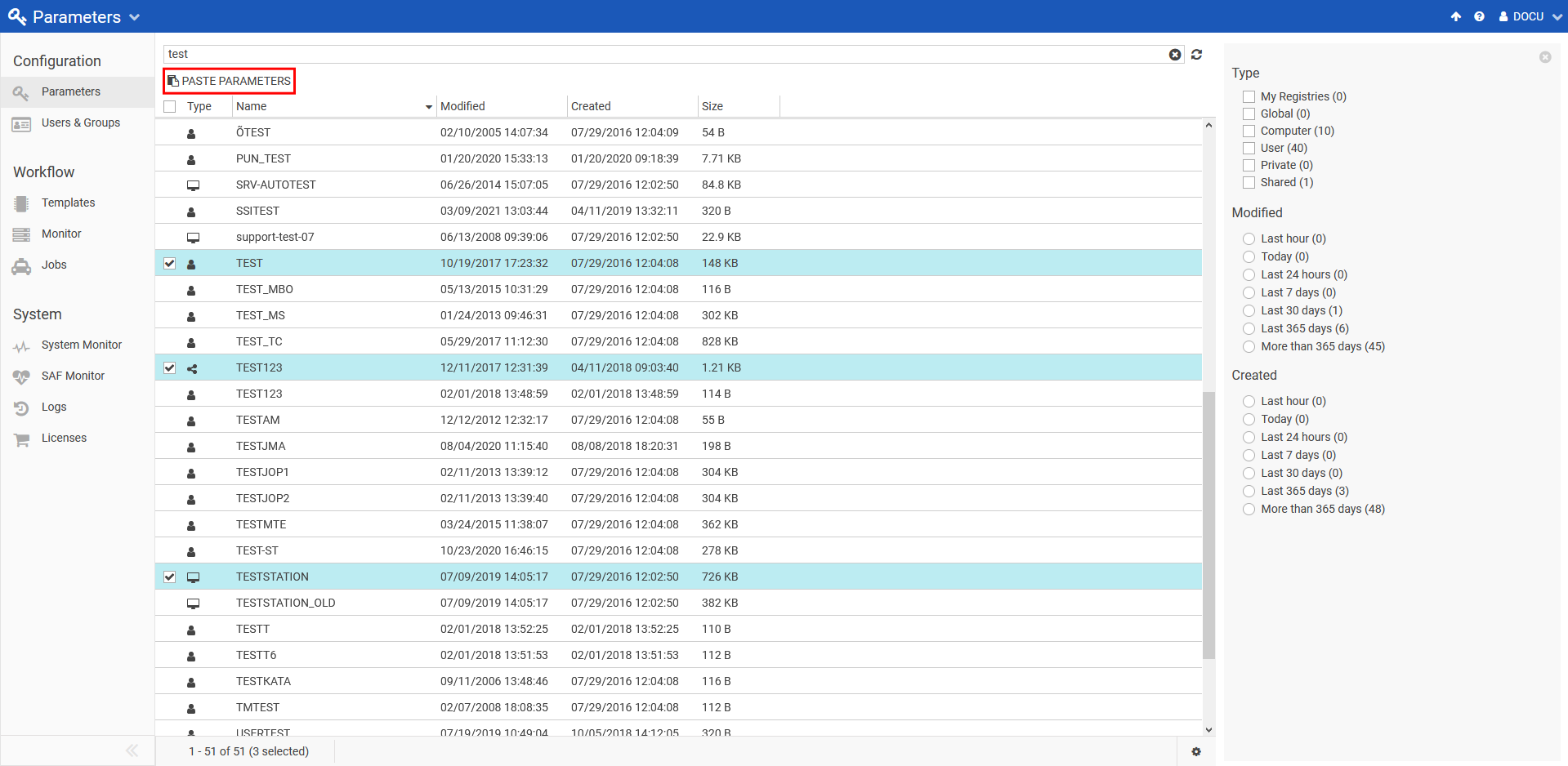
Go to the main parameters page and select the parameter files you want to bulk paste the clipboard contents to:
-
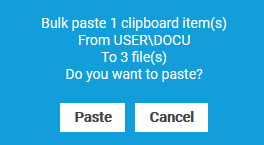
Clicking on Paste Parameters displays a confirmation dialog:
-
Click Paste to execute the bulk copy operation. Click Cancel to cancel the operation.
Replace parameters:
-
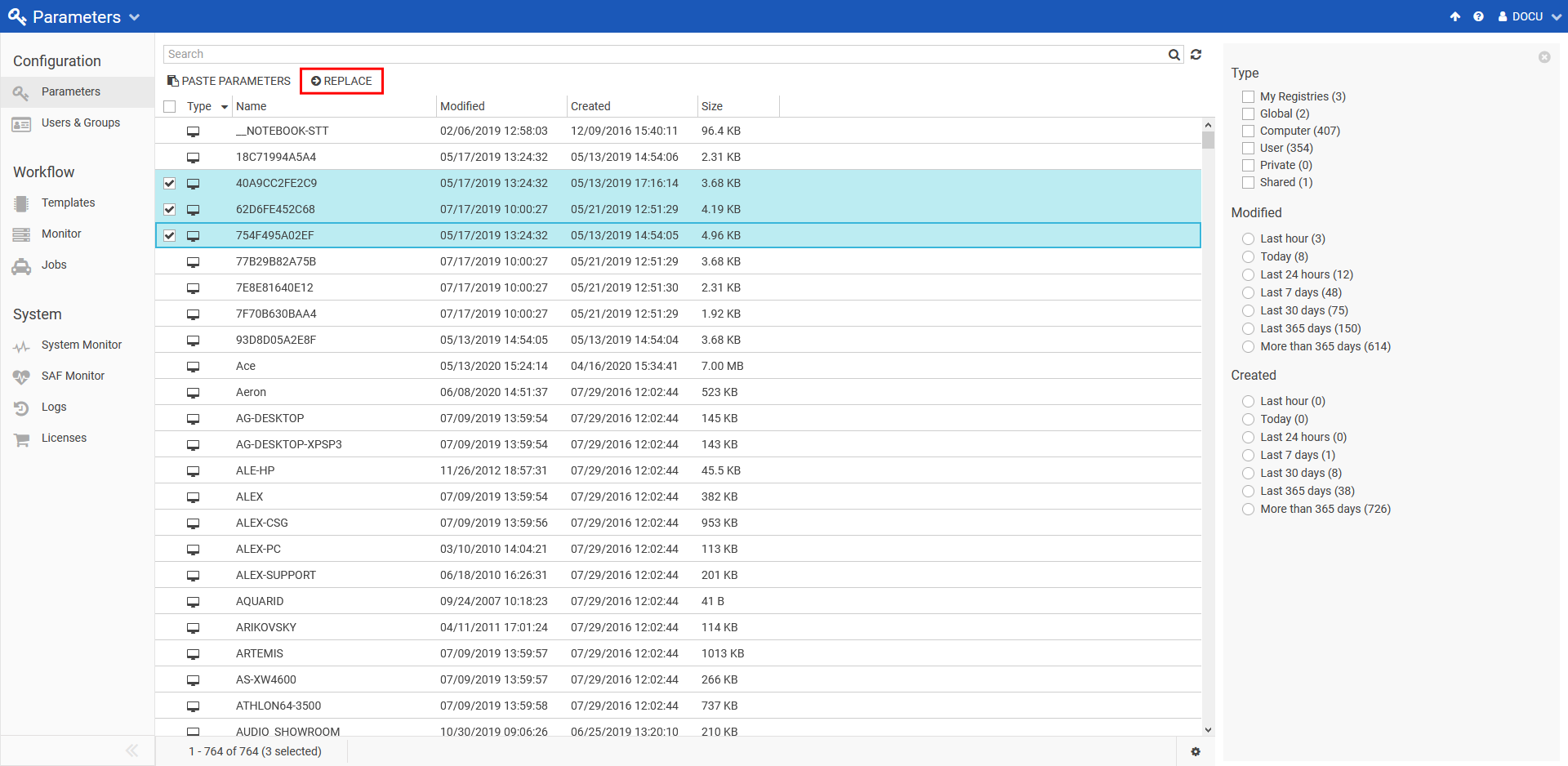
Go to main parameters page and select one or more parameter files of same type which are to be replaced.
-
Click on replace button on top.
-
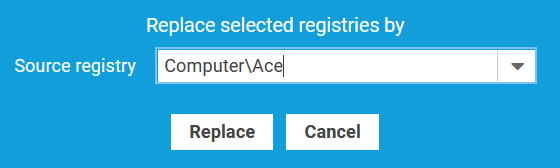
Select source registry from the drop-down and click replace.
-
A growl message appears when parameter files are replaced.
