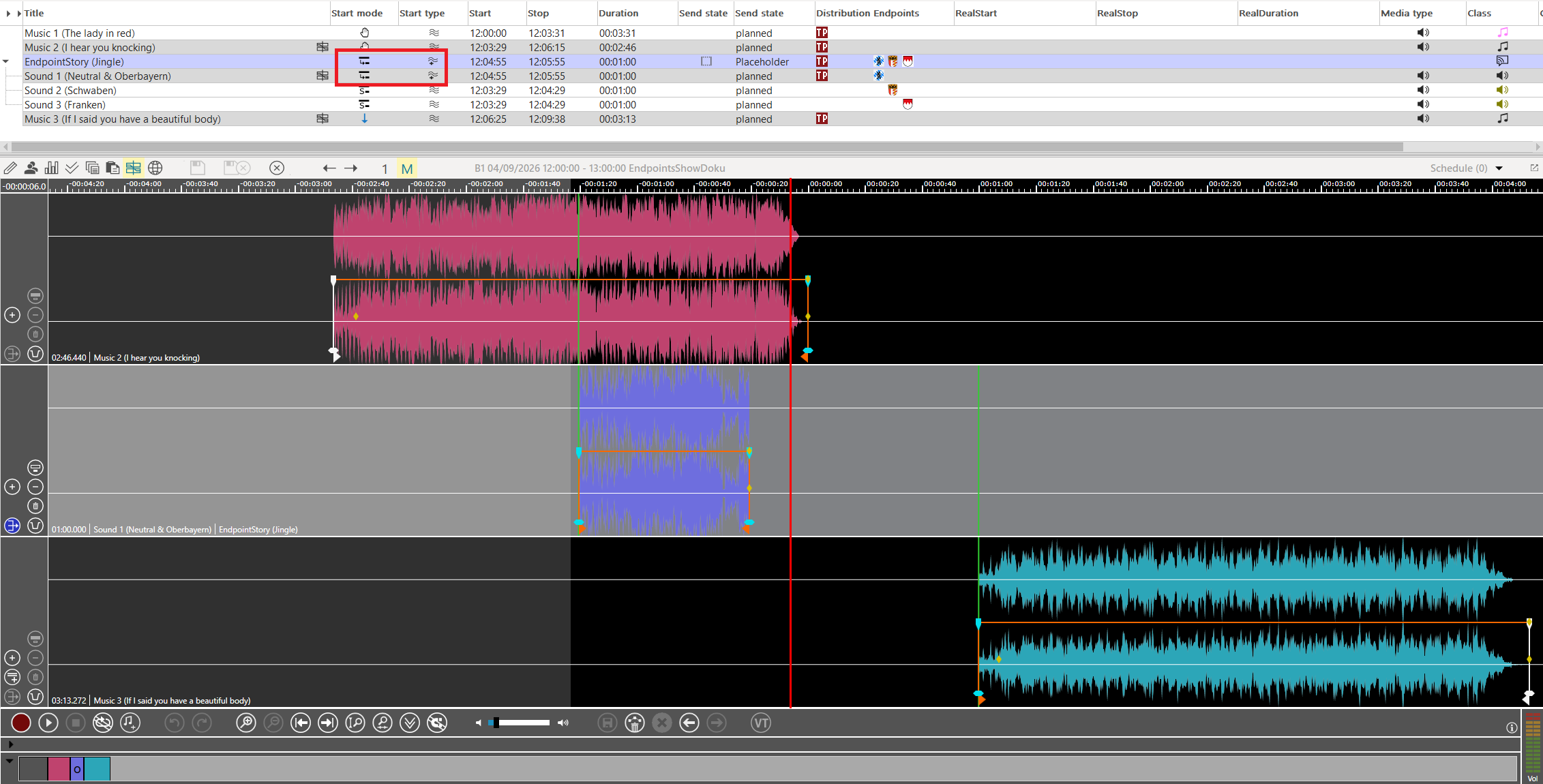
A special case are EndpointStories with a start mode of ‘Relative’. An endpoint story is handled by the OTM the same way as an ordinary audio element. In some cases an audio elements is converted to an ‘Overlaid’ element. If this happens to an endpoint story it gets the start mode ‘Relative’.
-
Load a show with a short endpoint story in the middle.
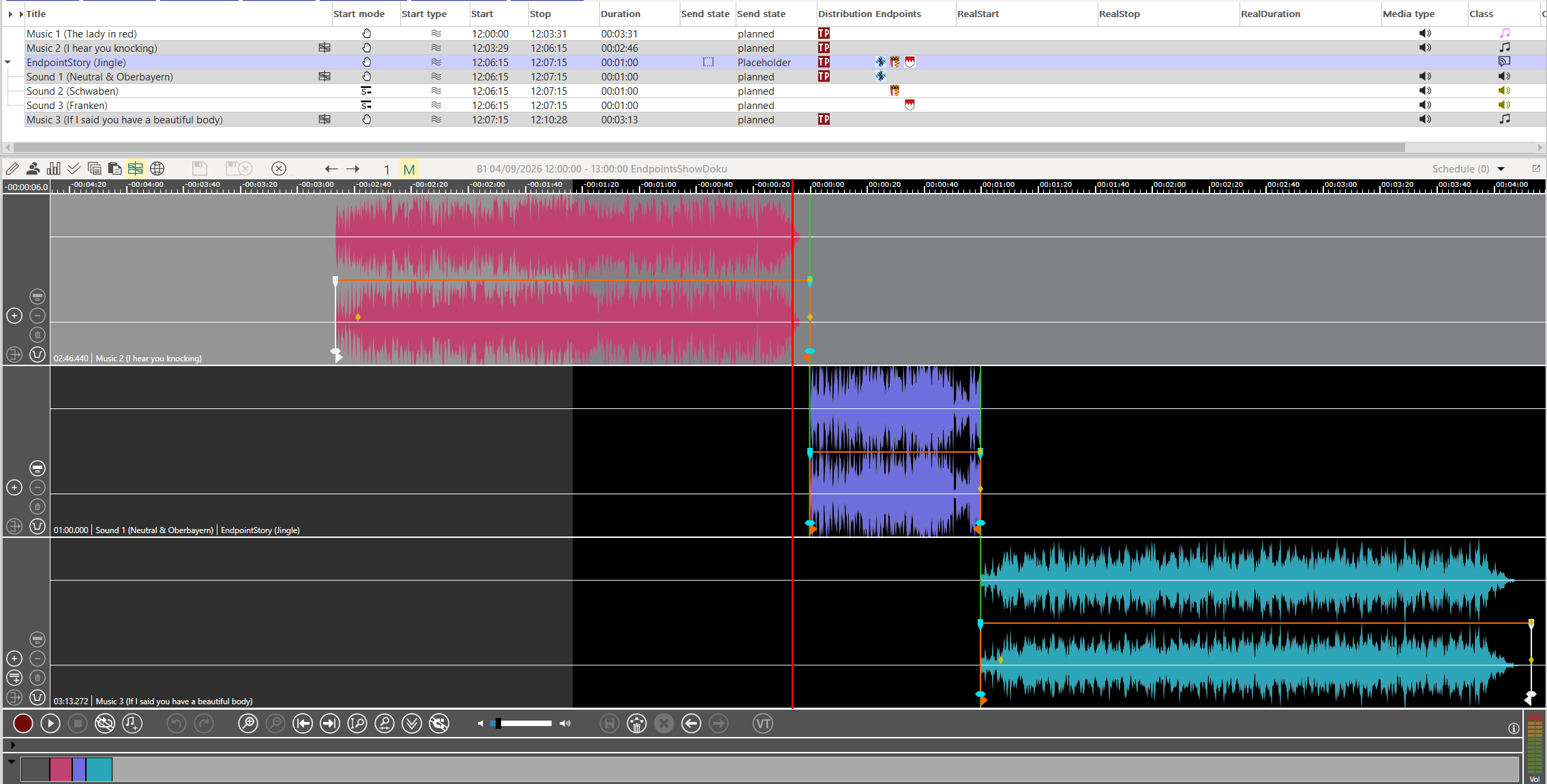
-
Move the middle element to the left
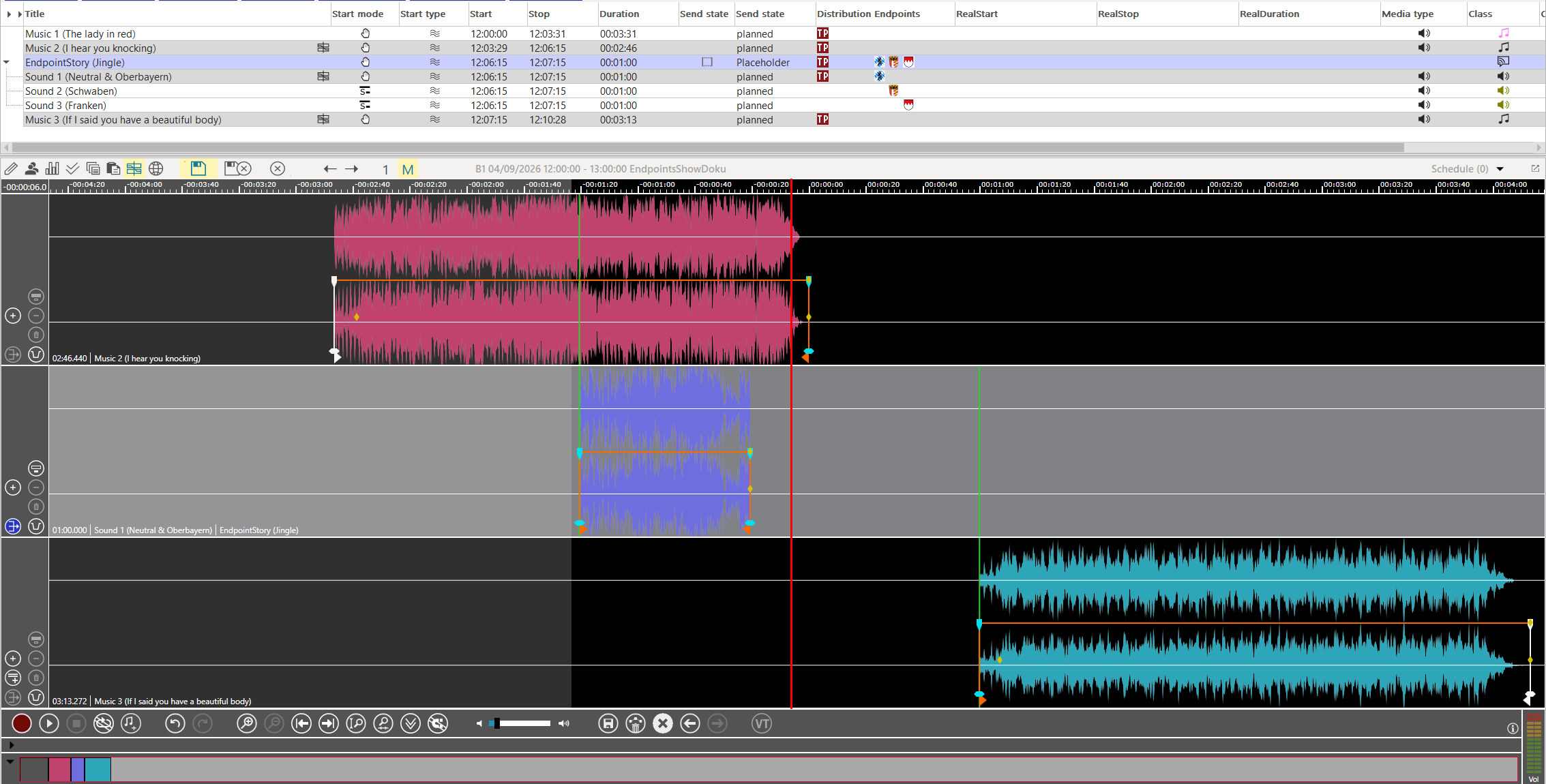
-
Press save and we have an endpoint story with start mode ‘Relative’