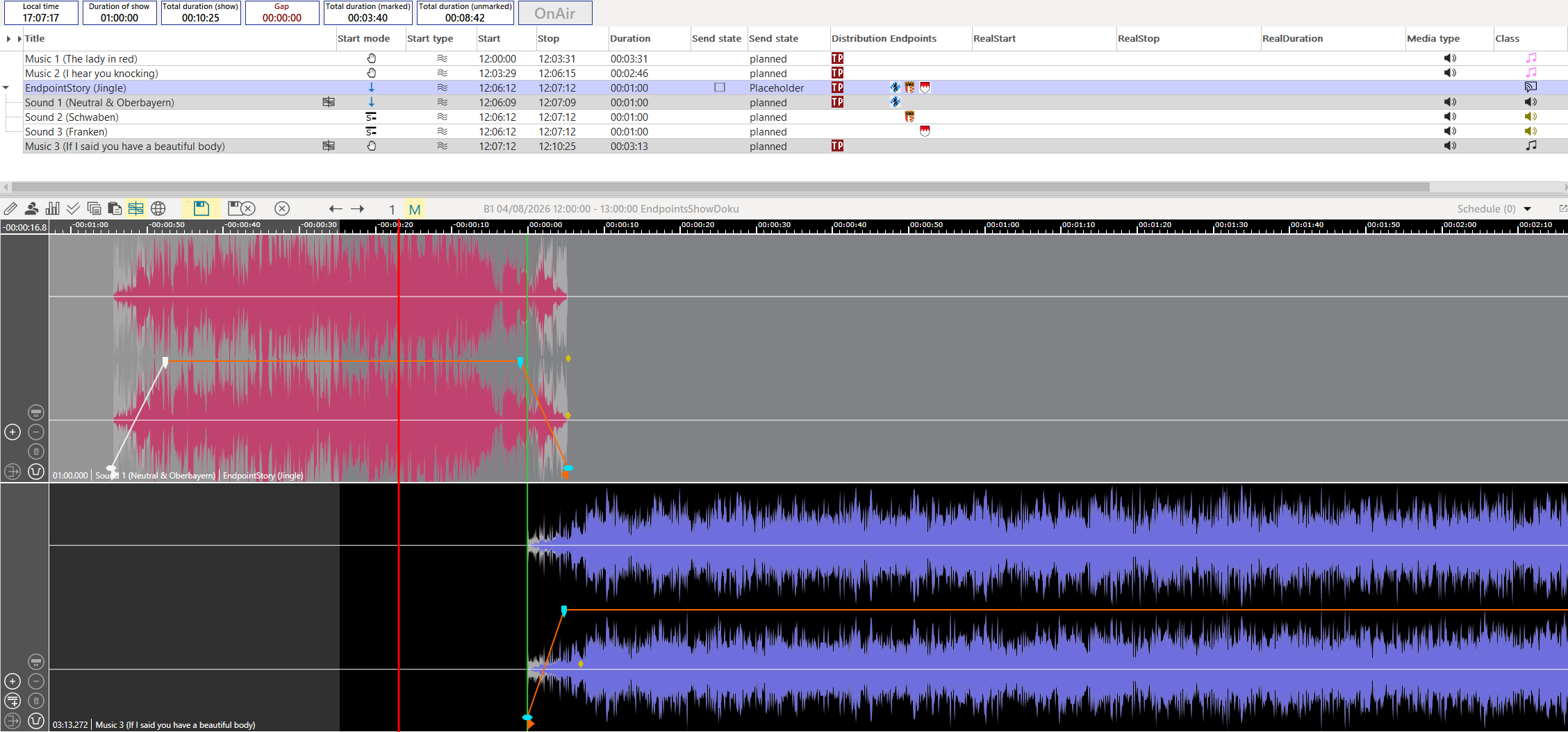
-
Create an Endpoint Story where all the elements have the same length as the neutral element.

-
Load the audio element preceding the Endpoint Story and the neutral element of the Endpoint Story in the OTM and adjust the overlap and the fade values. Save your changes.
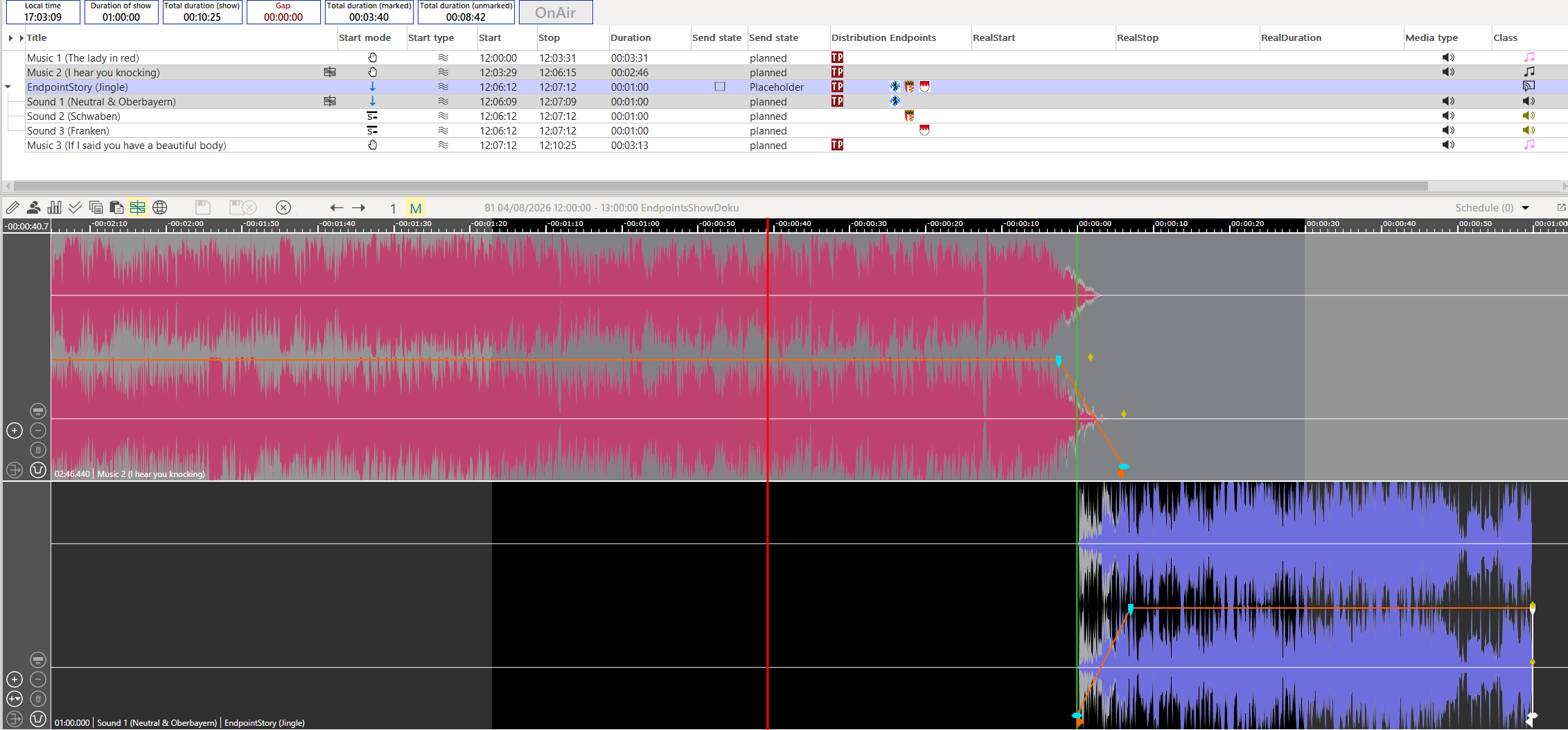
-
Go to the next transition and adjust the overlap and the fade values between the neutral element and the audio element following the Endpoint Story. Save your changes.