
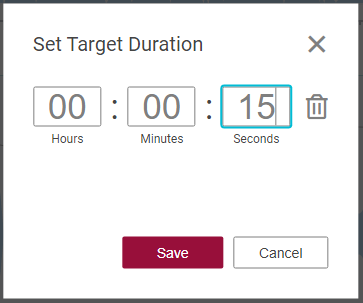
Under the Top Menu "Edit" a Target duration can be set using a dialog box which is opened when clicking on "Set Target Duration".
The set property is displayed in the toolbar along with time gap (margin) computed from total duration.

The Margin will be highlighted in red colour if the total duration exceeds set target duration.
Clicking on the time values simply toggle between different time - total duration, target duration - values available.