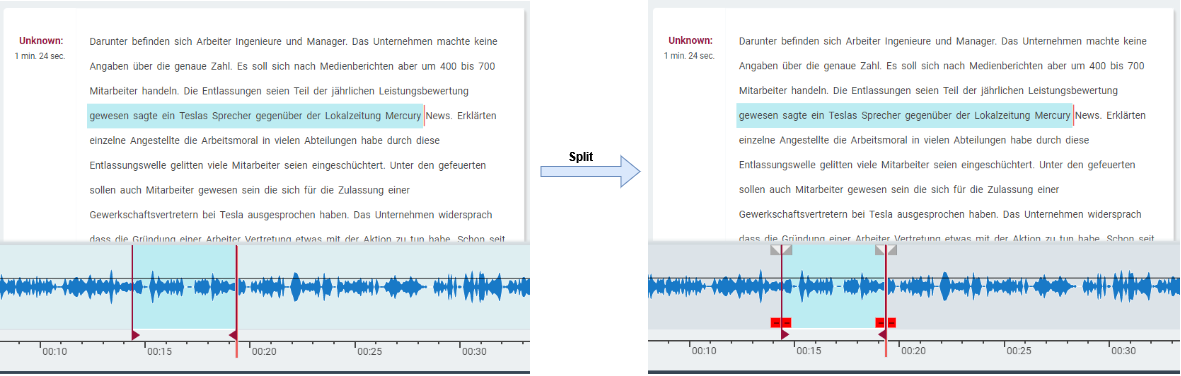
Split Audio function splits (breaks) a piece of audio into segments. These segments can then be independently moved and operated upon.
Split operation works in two modes: Split and Range Split.
If a range is selected then the waveform will be split at marker positions otherwise at head position.
Steps to follow:
-
Set the head (for split) or select a range (for range split) at positions where split is needed.
-
Trigger split either from keyboard shortcut or from split button in transport bar or from top menu Edit option drop down or from the context menu.