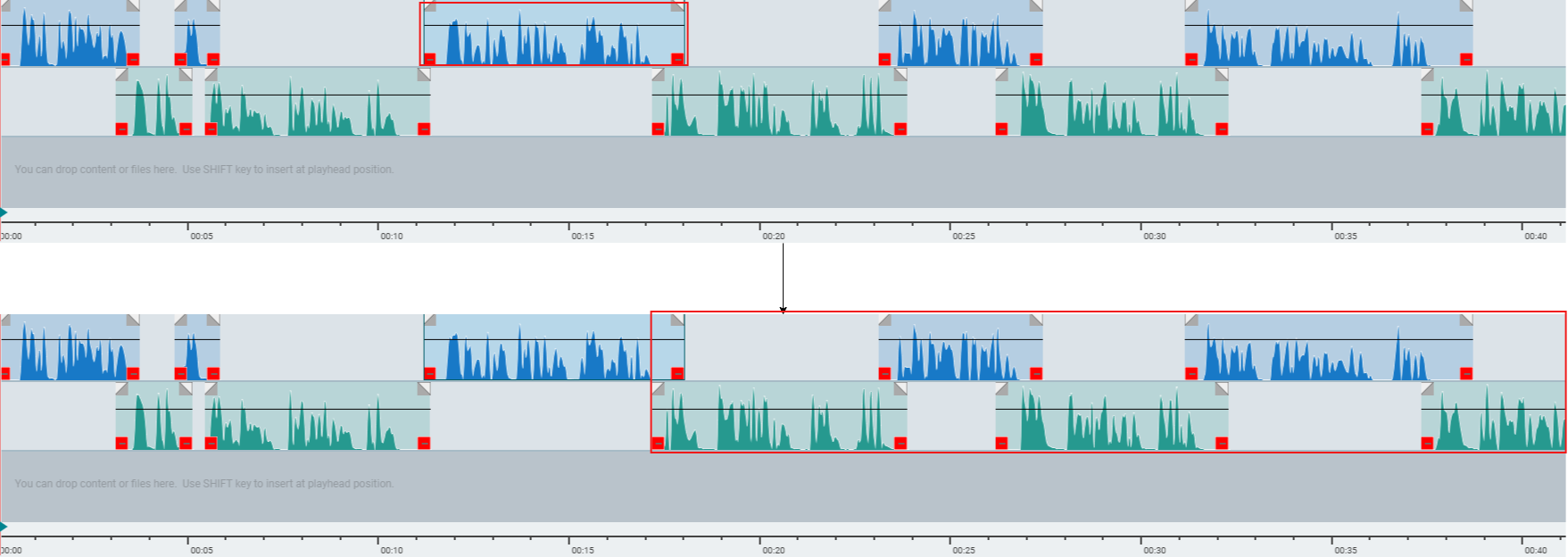
Ripple editing is an edit mode where dragging a clip, deleting, or inserting a clip automatically shifts the clips after it to close the gap, so their order and spacing stay correct.
Ripple editing can be enabled by this button or holding CTRL key while dragging a clip.
Ripple mode OFF:

Ripple mode ON:

If the marked clip is dragged to left/right, then the subsequent clips are also moved.