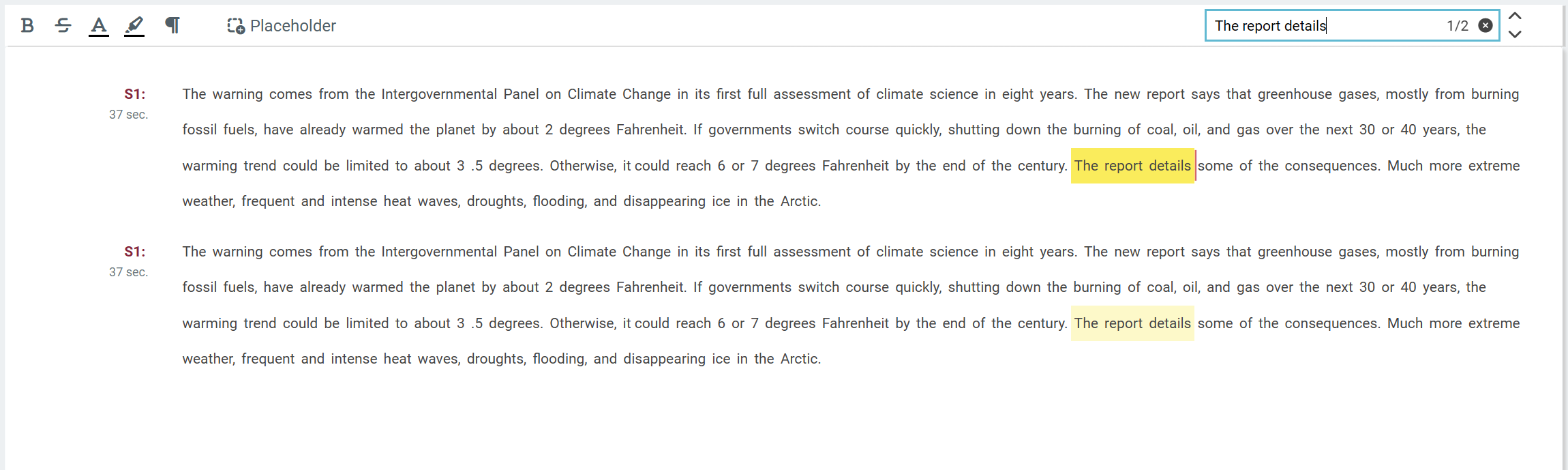
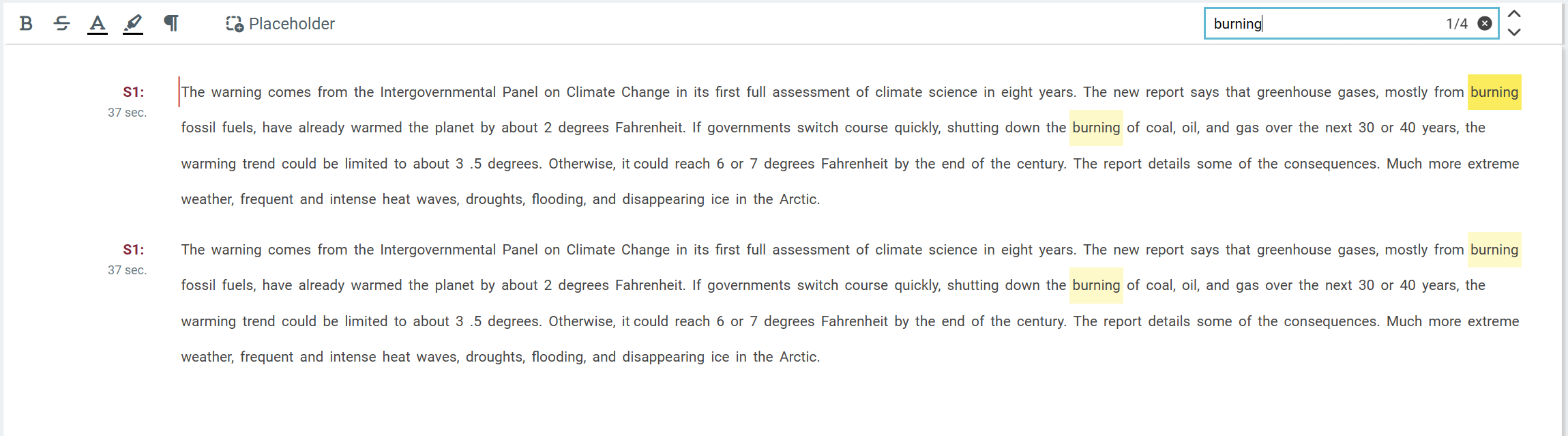
Words or phrases can be searched in the Text Area from the search input field on the top right corner.
The number of word or phrase occurrences is also displayed in the search input. To iterate through word occurrence simply use the following keys, or click on the arrow icons left of input field.
Clicking on the Close (X) icon will clear the search input.
|
Shortkey |
Description |
|---|---|
|
Ctrl+F |
Focus search input field |
|
Arrow Up/Down |
Highlight next/previous search result |
|
Enter/F3 |
Highlight next search result |
|
Escape |
Clear search input |
Searching words:
Searching phrases: